1.15 Thawing
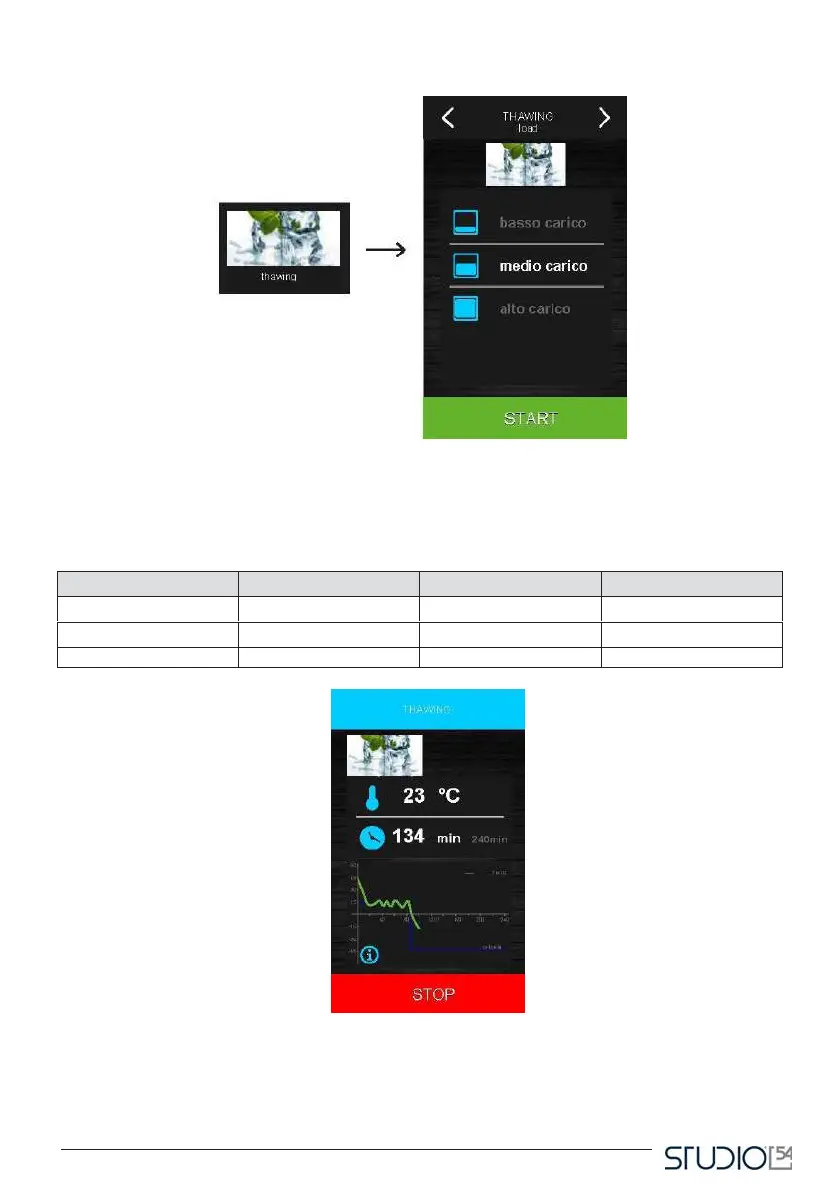
Press this icon to select a thawing cycle, which will be managed based on the load of products to be thawed
in the device in reference to the maximum quantity declared by the manufacturer.
The operator may indicate three levels of thawing load. Based on the selected level, the blast chiller will start
a tim-based cycle with a different cell temperature, as the following chart shows:



 To Next Page