1.21 Recipe book
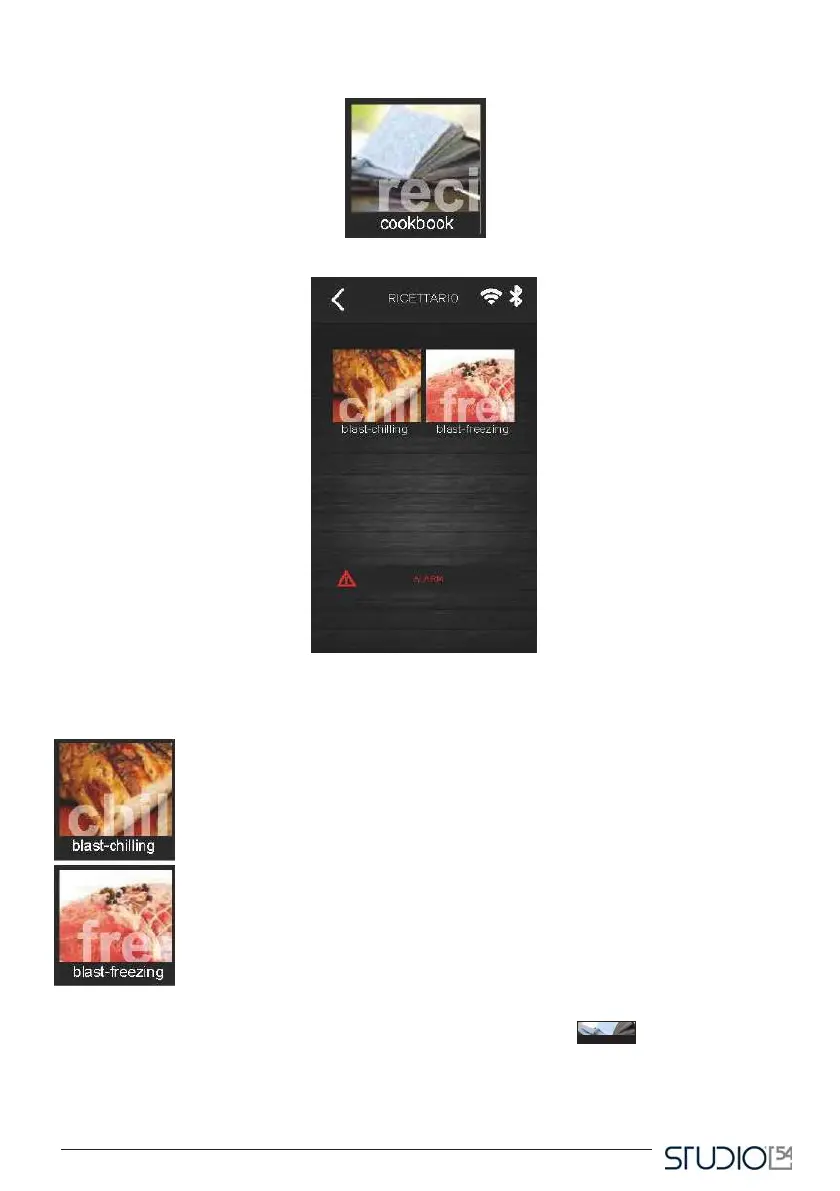
By pressing this icon, on the Home screen, the user will open the following screen.
From this screen, the user has access to a recipe book divided in two categories: blast chilling,
deep freezing.
This icon opens the screen with blast chilling recipes.
This icon opens the screen with deep freezing recipes.
Hereafter, an example of a blast chilling recipe book screen, where you can see six icons corresponding
to six recipes presaved by the manufacturer. Pressing Customized recipes
another list of customized recipes, saved by the user.
allows to select



 To Next Page