4
dato 1
dato 2
dato 3
dato 4
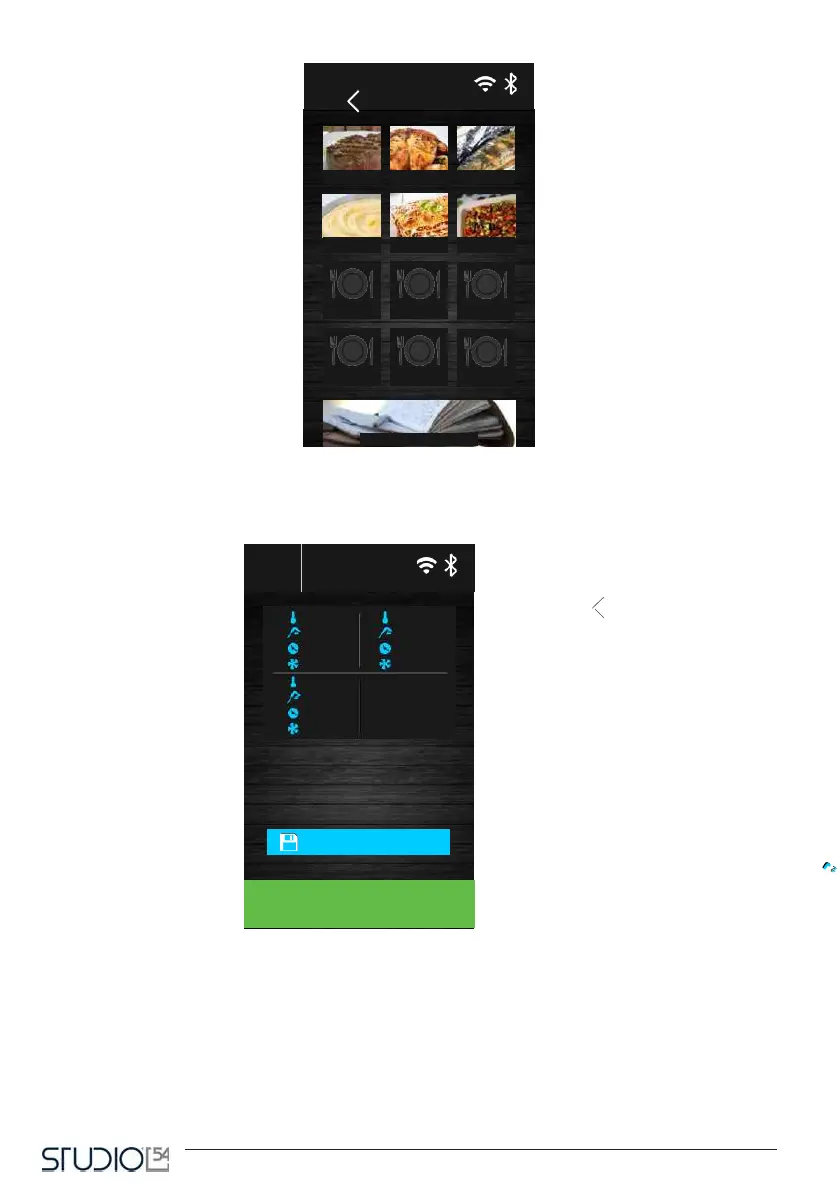
Pressing the recipe icon, you open a recap screen that visualize the data set up for the different phases of
the recipe.
From this screen, the user can run the recipe or change the program setpoint by pressing the phase icon.
After changing the data, you can choose between the following options:
- start the cycle without saving the change;
- save the change overwriting the program;
- save the change with another name.
-20 °C
12 °C
--- min
100 %



 To Next Page