1.26 Pre-cooling mode
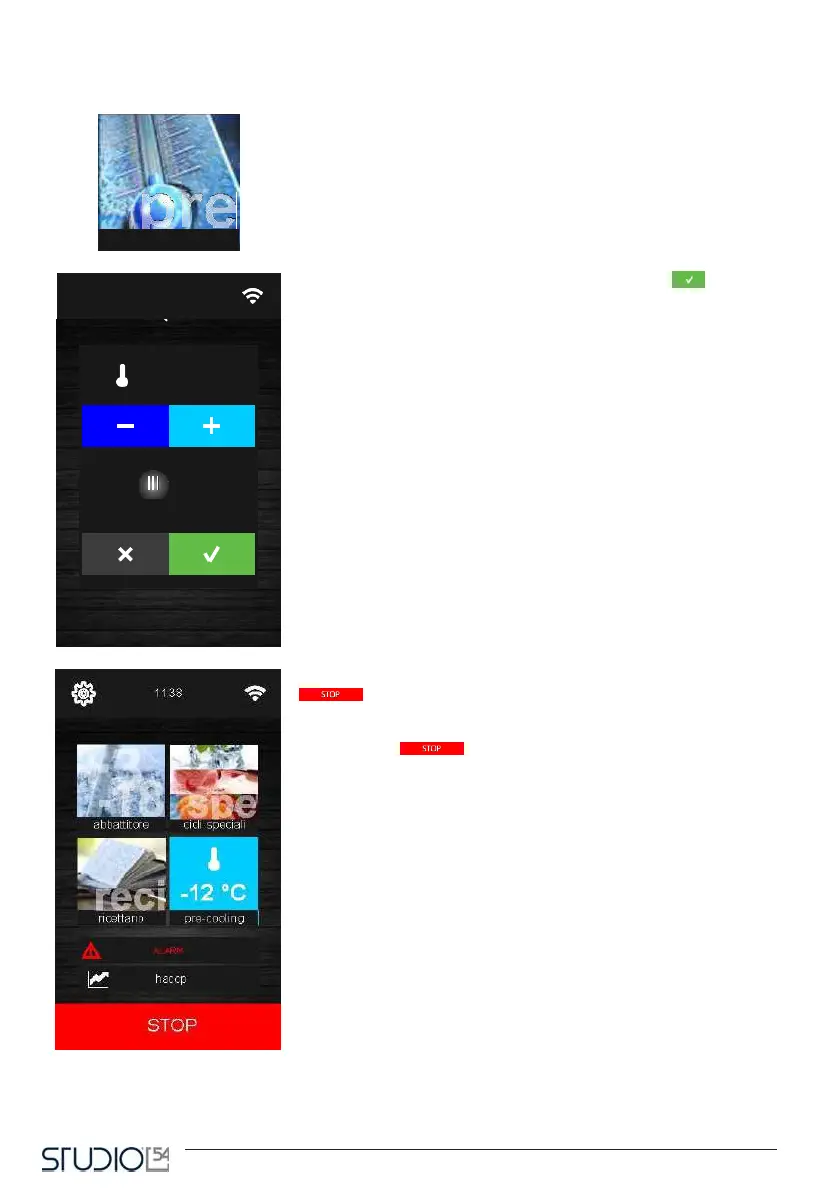
By pressing this icon on the Home screen, you can choose a pre-coo-
ling cycle. It is a cycle similar to a normal blast chilling one, which can
precede all the working cycles. By pressing the icon, the following screen
will open.
Set the temperature value and touch the icon Confirm to start
the pre-cooling of the cell. You will see the following screen, with the
pre-cooling phase icon lit up.
From this screen you can select other cycles or touch the icon Stop
to end the pre-cooling.
Once reach the cell temperature requested, you will hear a beep while
the cycle will go on keeping the same cell temperature until you touch
the icon Stop or until a
blast chilling/deep freezing cycle is started. If the pre-cooling mode is on,
it will be automatically ended when you select and start a cycle.



 To Next Page