C. Soft deep freezing
It is possible to set up a cycle of “soft deep freezing” from the deep freezing settings, by pressing the Soft
icon . This cycle has two phases of deep freezing, with different set points, and a following maintaining
phase.
- the first phase, called “soft”, with a set point defined by the related set parameters, that
cannot be modified by the user;
- the second phase of deep freezing with the set point set up by the user;
- the maintaining phase with the set point set up by the user.
At the end of a phase, the controller automatically passes to the following. A beep signals the end of both the
first two steps. It is possible also for this cycle to select the time-based execution: in this case the transition to
the following step happens when the time limit is reached.
1.6 Continuous cycle
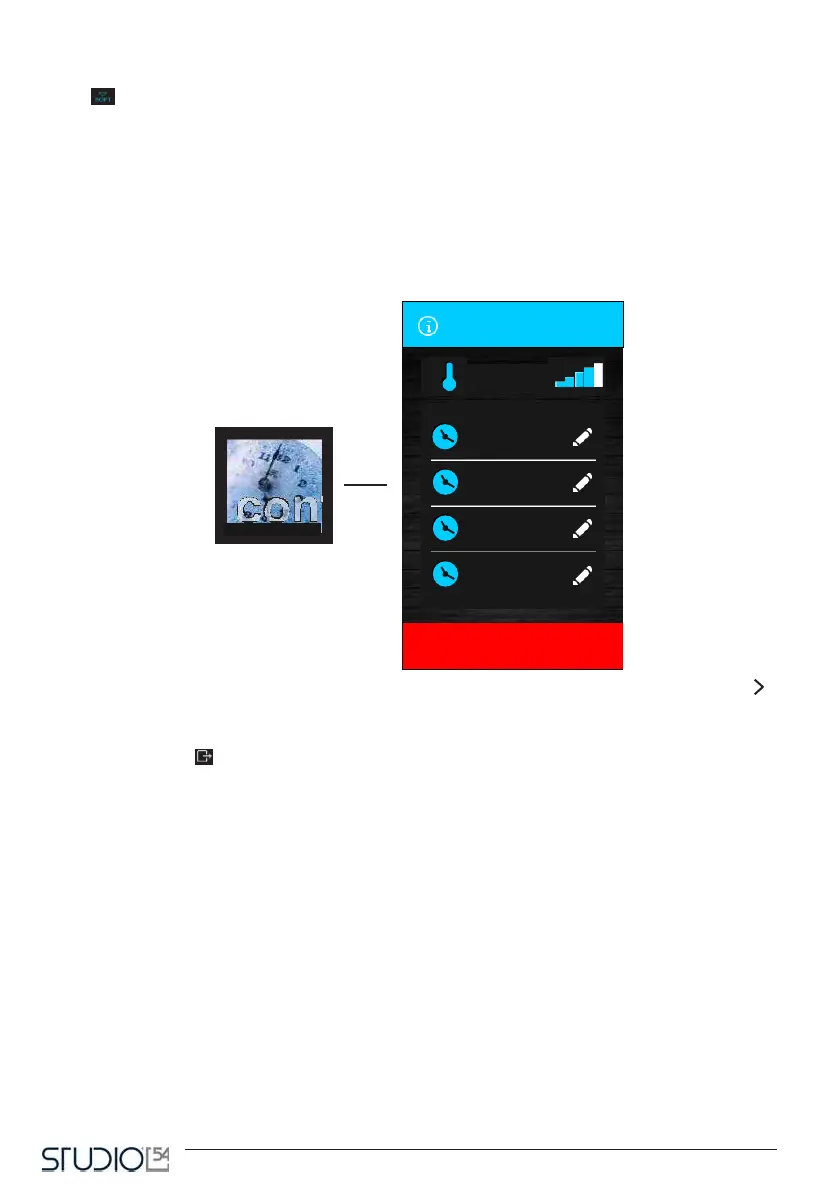
By touching this icon, it is possible to select a cycle in multi-timer mode. Once the cycle is selected, you will
visualize a screen where you can adjust the cell temperature for the continuous cycle (preset).
By pressing the icon the continuous cycle will start: from here, it is possible to set up to four different
timers.
When the timing is set and the timer confirmed, the counting automatically starts. Each timer is independent
and, once it is over, it can be set up again to restart the counting.
The cycle ends only when all the set up timers are over. A beep will signal the end of the counting of each
timer and the display will show a notification and the value “0 min.” in green.



 To Next Page