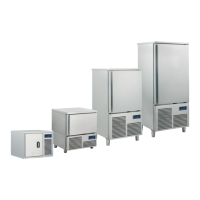
By pressing the window, you enter the blast chilling modality, that implies the selection/setting of a standard
blast chilling/deep freezing cycle.
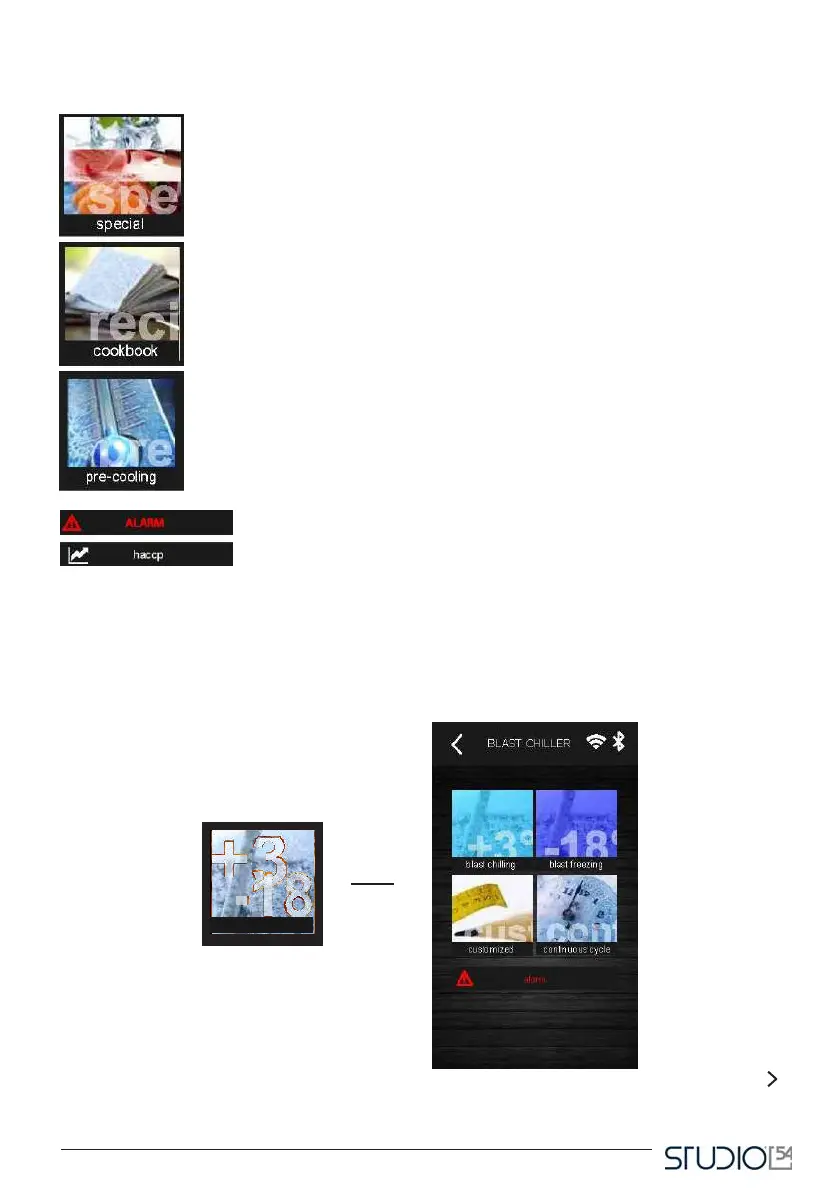
By pressing the window, you enter the special cycles modality and choose one of
the special cycles available for the device set-up, for example ice cream hardening,
slow cooking etc.;
By pressing the window you enter the recipe book section where you can find an
history of pre-set cycles or cycles saved by the user.
This window allows you to choose a cell pre-cooling cycle;
This icon will appear in case of alarm.
Pressing this icon gives you access to a data history recorded during the
operating cycles;
1.5 Blast chilling
By pressing this window, the screen here below will appear:



 To Next Page