Black plate (204,1)
北米Model "A8160BE-B" EDITED: 2010/ 10/ 14
5-20 Audio
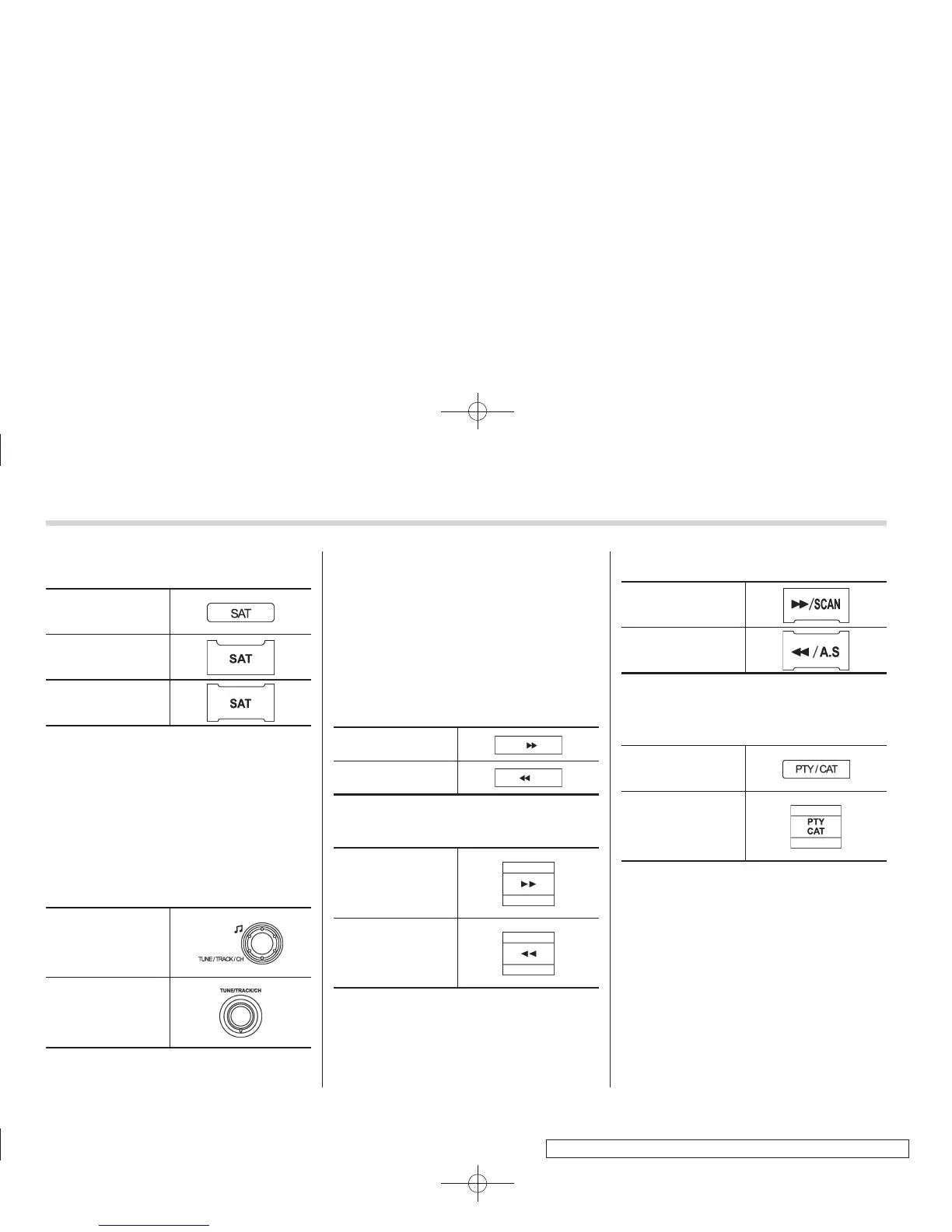
& Band selection
Type A and B audio
Type C audio
Type D audio
Push the “SAT” button when the radio is
off to turn on the radio.
Push the “SAT” button when the radio is
on to select SAT1, SAT2 or SAT3 recep-
tion.
& Channel and category selec-
tion
! Channel selection
Type A and B audio
Type C and D audio
Turn the “TUNE/TRACK/CH” dial clock-
wise to select the next channel and turn
the “TUNE/TRACK/CH” dial counterclock-
wise to select the previous channel.
! Skip channel selection
When in the SAT mode, press the follow-
ing button continuously (type A, B and C
audio)/briefly (type D audio) to change to
the channel selection mode.
Type A and B audio:
Channel up by 10
steps
Channel down by 10
steps
Type C audio:
Channel up by 10
steps
Channel down by 10
steps
Type D audio:
Channel up by 10
steps
Channel down by 10
steps
! Category selection
! Type A, B and C audio
Type A and B audio
Type C audio
To activate the category search mode,
press the “PTY/CAT” button. To deactivate
the category search mode, press the
“PTY/CAT” button again.















 To Next Page