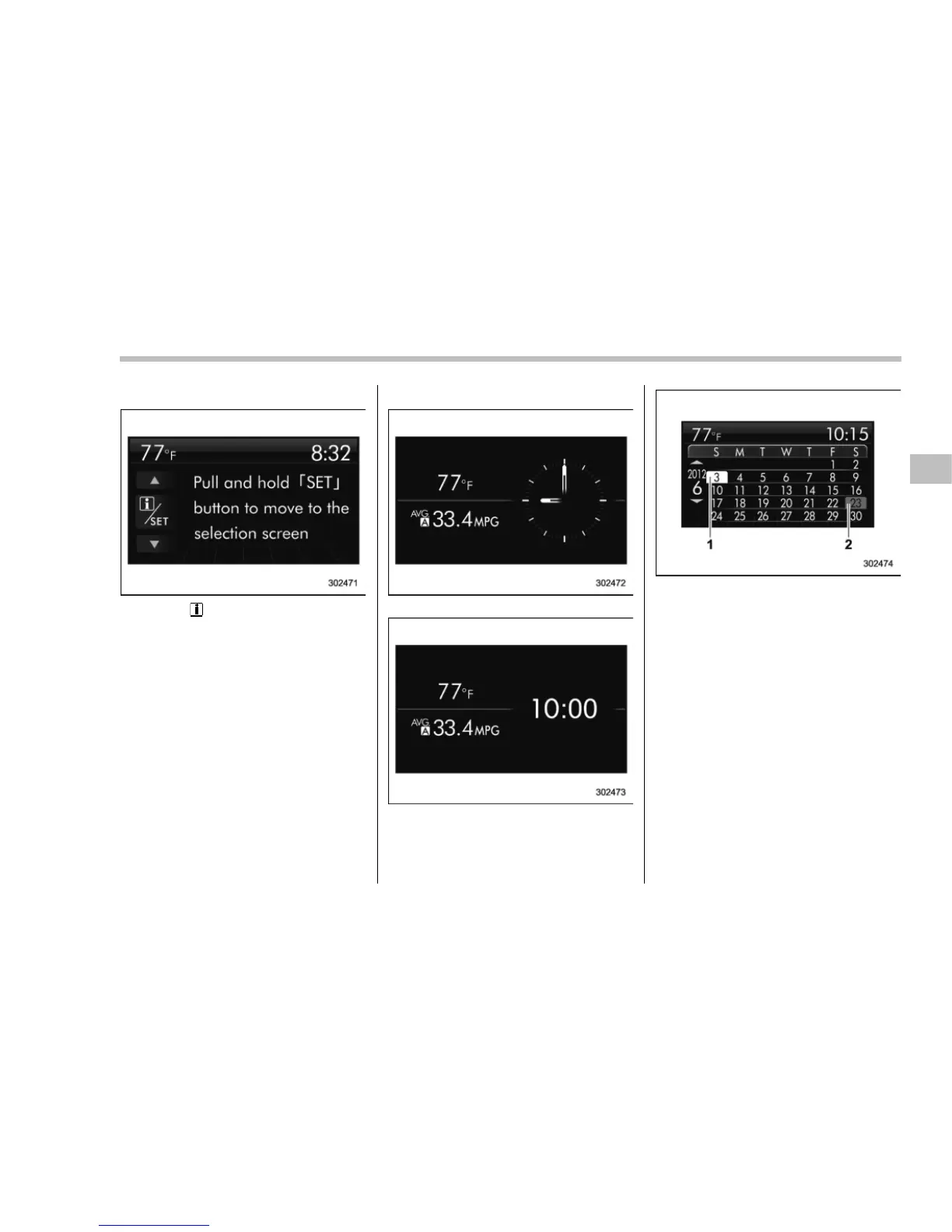
! Guidance screen
When the “ /SET” switch is pulled and
held, the selection screen can be dis-
played.
The displayed contents can be set or
customized from the selection screen. For
details, refer to “ Selection screen” F3-38.
! Clock/calendar screen
Clock (analog format)
Clock (digital format)
Calendar
1) Today’s date
2) Birthday/Anniversary
In addition to the clock/calendar, the out-
side temperature and average fuel con-
sumption can also be displayed.
You can select clock (anal og format),
clock (digital format) or calendar. The
clock/calendar can also be set so that it
is not displayed. For details, refer to
“Clock screen setting” F3-54.
Instruments and controls/Multi function display
3-37
– CONTINUED –















 To Next Page