5-34
Audio/Hands–free system
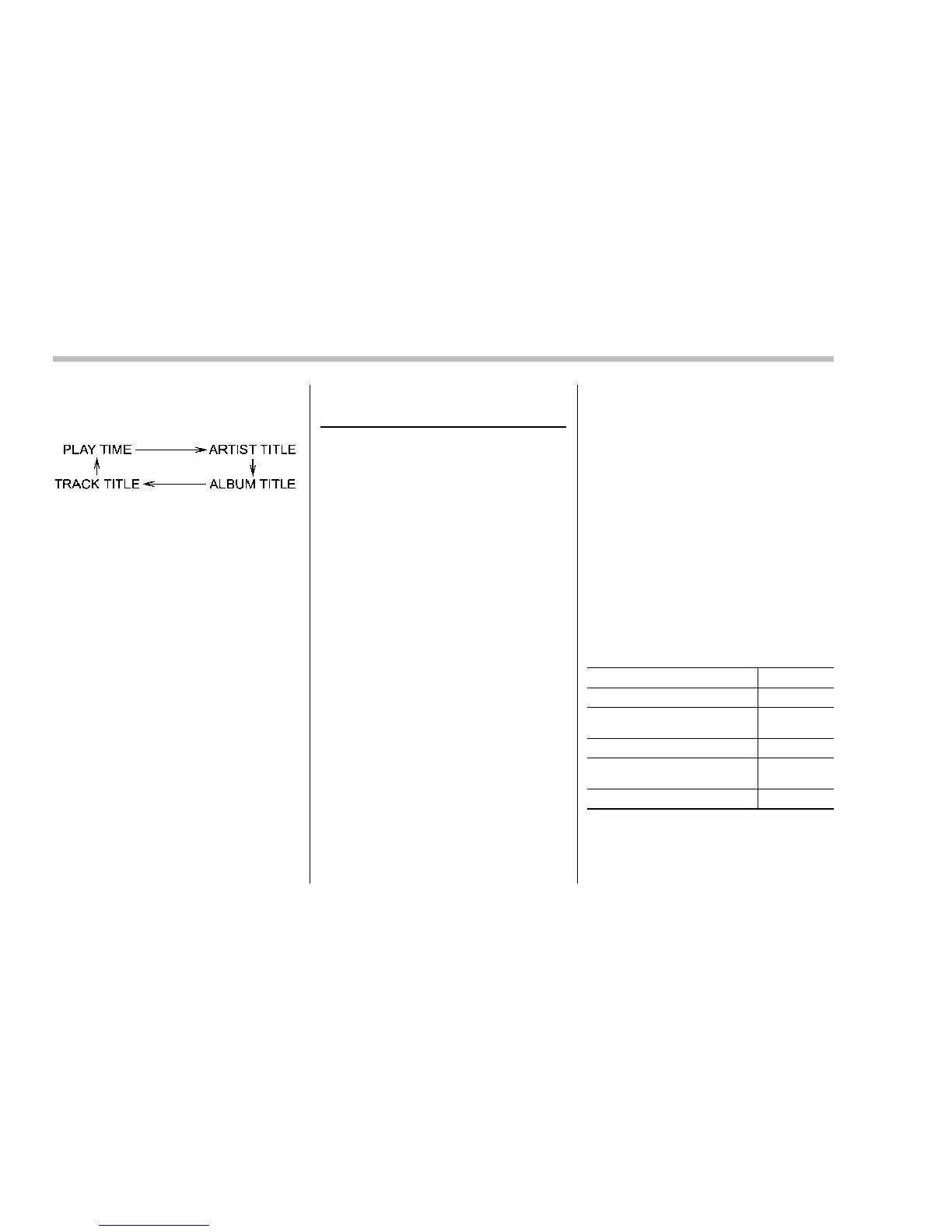
indicati on will change in the following
sequence.
! Folder selection
Select a folder in the same way as for a
CD. Refer to “Folder selection” F5-20.
Hands-free system (if
equipped)
NOTE
. For models with the genuine
SUBARU navigation system, refer to
the Owner’s Manual supplement for the
navigation system.
. When selling your vehicle, make
sure that you initialize the Hands-free
system to prevent personal data from
being improperly accessed.
The Hands-free system operates while the
ignition switch is in the “ACC” or “ON”
position.
You can use your cell phone without
touching it by using the Hands-free sys-
tem. To use the Hands-free system,
connect a cell phone as follows.
When no cell phones are registered:
Register a cell phone to the in-vehicle
equipment. For details, refer to “When no
cell phones are registered” F5-46. After
registering a phone, the phone will be
automatically connected to the in-vehicle
equipment.
When a cell phone is already regis-
tered:
The registered cell phone will be auto-
matically connected to the in-vehicle
equipment w hen the ignition switch is
turned to the “ACC” or “ON” position while
carrying the cell phone.
When two cell phones or more are
already registered:
If the system detects a cell phone in the
passenger compartment which was pre-
viously connected to the in-vehicle equip-
ment when the ignition switch was last
turned to the “ACC” or “ON” position, the
system connects the cell phone automa-
tically to the in-vehicle equipment. You
can select the phone to be connected to
the in-vehicle equipment. For details, refer
to “Selecting a cell phone” F5-46.
After connecting a cell phone, you can use
the following functions.
Function Page
Making a phone call 5-47
Taking/declining an incoming
call
5-48
Registering phonebook data 5-48
Using and setting phonebook
data
5-50
Deleting data
5-50
Even when no cell phones are connected,
you may be able to set the following items.















 To Next Page