5-18
Audio/CD player operation
the player will start playback beginning
with the first track. For an MP3, WMA or
AAC folder, the player will start play-
back beginning with the first track of
the next folder.
. If you rewind to the beginning of the
first track, rewinding will stop and the
player will start playback. For an MP3,
WMA or AAC folder, the player will start
playback beginning with the first track
of the current folder.
& Repeating
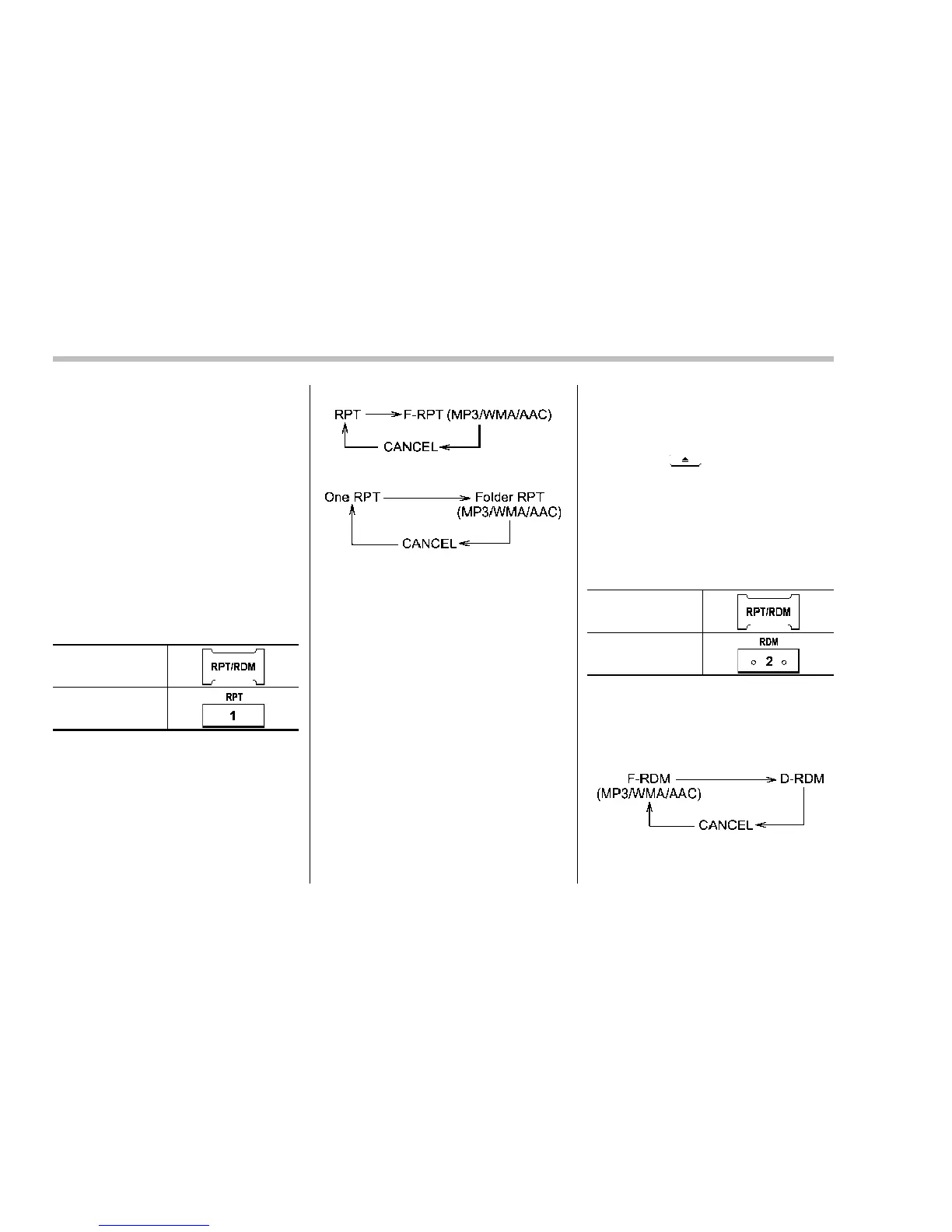
To repeat a track, briefly press the follow-
ing button (“RPT” button) while the track is
playing.
Type A audio
Type B audio
Each time you briefly press the button, the
mode will change in the following se-
quences.
Type A audio:
Type B audio:
NOTE
. The “RPT” (type A audio)/“One
RPT” (type B audio) indication refers
to the repeat playback of a single track.
It repeats the track that is playing.
. The “F-RPT” (type A audio)/“Folder
RPT” (type B audio) indication refers to
the repeat playback of a folder. It
repeats the all of the tracks in the
folder. It is possible to select the
function when the MP3/WMA/AAC for-
mat track is playing.
To cancel the track repeat-play mode,
briefly press the “RPT” button and select
CANCEL. The “RPT” indication will turn
off, and the normal playback mode will be
resumed.
NOTE
The repeat-play mode will be cancelled
if you perform any of the following
steps.
. Press the
button.
. Press the “SCAN” button (type A
audio).
& Random playback
To playback tracks at random, press the
following button (“RDM” button) while a
track is playing.
Type A audio*
1
Type B audio*
2
*1: Press and hold the button.
*2: Press the button briefly.
Each time you press the button, the mode
will change in the following sequences.
Type A audio:















 To Next Page