& How to play back a CD
! When there is no CD inserted
Properly insert a CD. Refer to “How to
insert a CD” F5-16.
When a CD is loaded, the player will start
playback of the CD, beginning with the
first track.
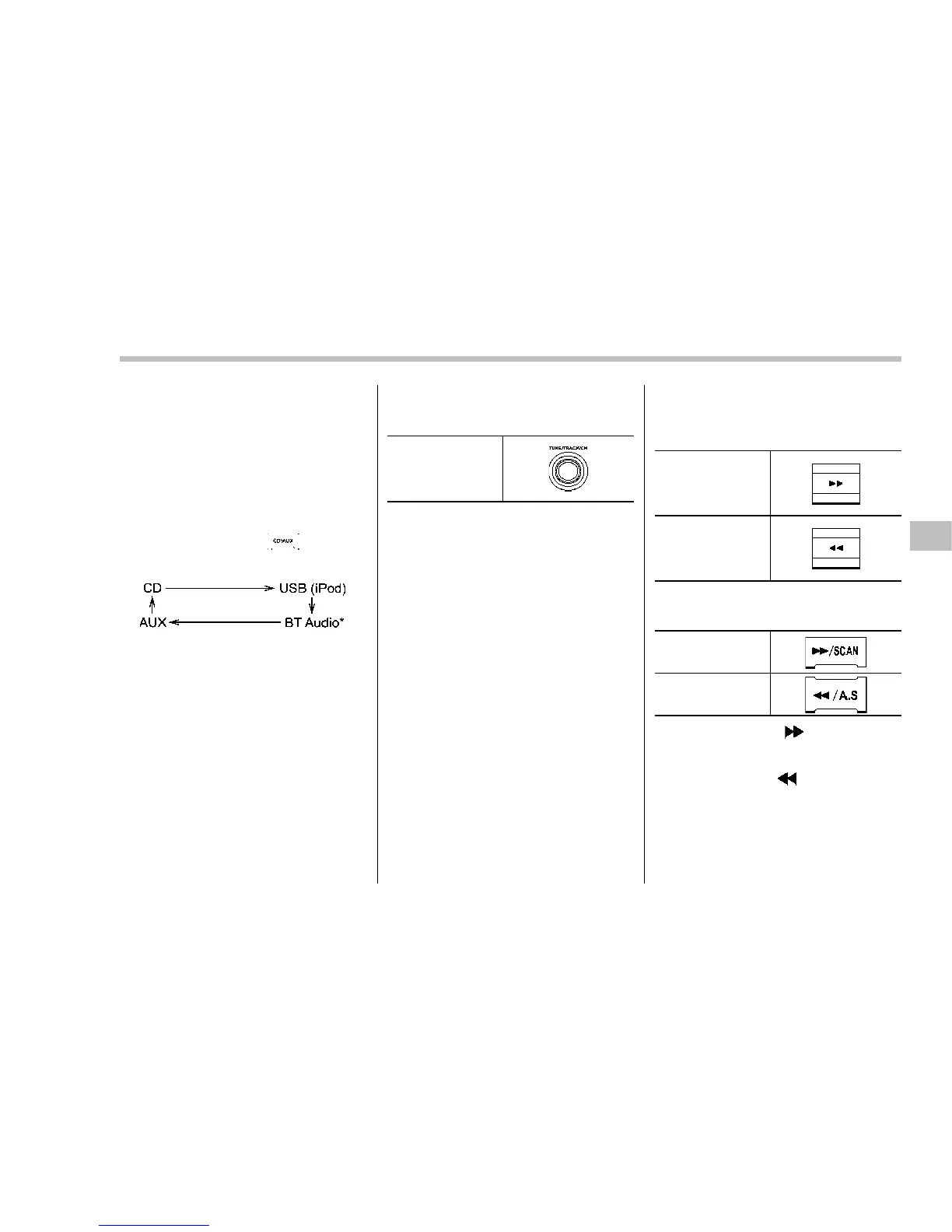
! When CD is in the player
Each brief press of the
button will
change the modes in the following se-
quence.
*: For type A audio, “BT-A” is displayed.
When the CD mode is selected, the player
will start playback.
& To select a track from the
beginning
“TUNE/TRACK/CH”
dial
Turn the “TUNE/TRACK/CH” dial clock-
wise to skip to the beginning of the next
track. Each time the dial is turned, the
indicated track number will increase.
Turn the “TUNE/TRACK/CH” dial counter-
clockwise to skip to the beginning of the
current track. Each time the dial is turned,
the indicated track number will decrease.
NOTE
With an MP3, WMA or AAC:
. Skipping past the last track will take
you back to the first track in the folder.
. Skipping past the first track will take
you to the last track in the folder.
& Fast-forwarding and rewind-
ing
Type A audio:
Fast-forward
Rewind
Type B audio:
Fast-forward
Rewind
Press and hold the “ ” button to fast-
forward the track. Release the button to
stop fast-forwarding.
Press and hold the “
” button to rewind
the track. Release the button t o stop
rewinding.
NOTE
. If you fast-forward to the end of the
last track, fast-forwarding will stop and
Audio/CD player operation
5-17
– CONTINUED –











 To Next Page