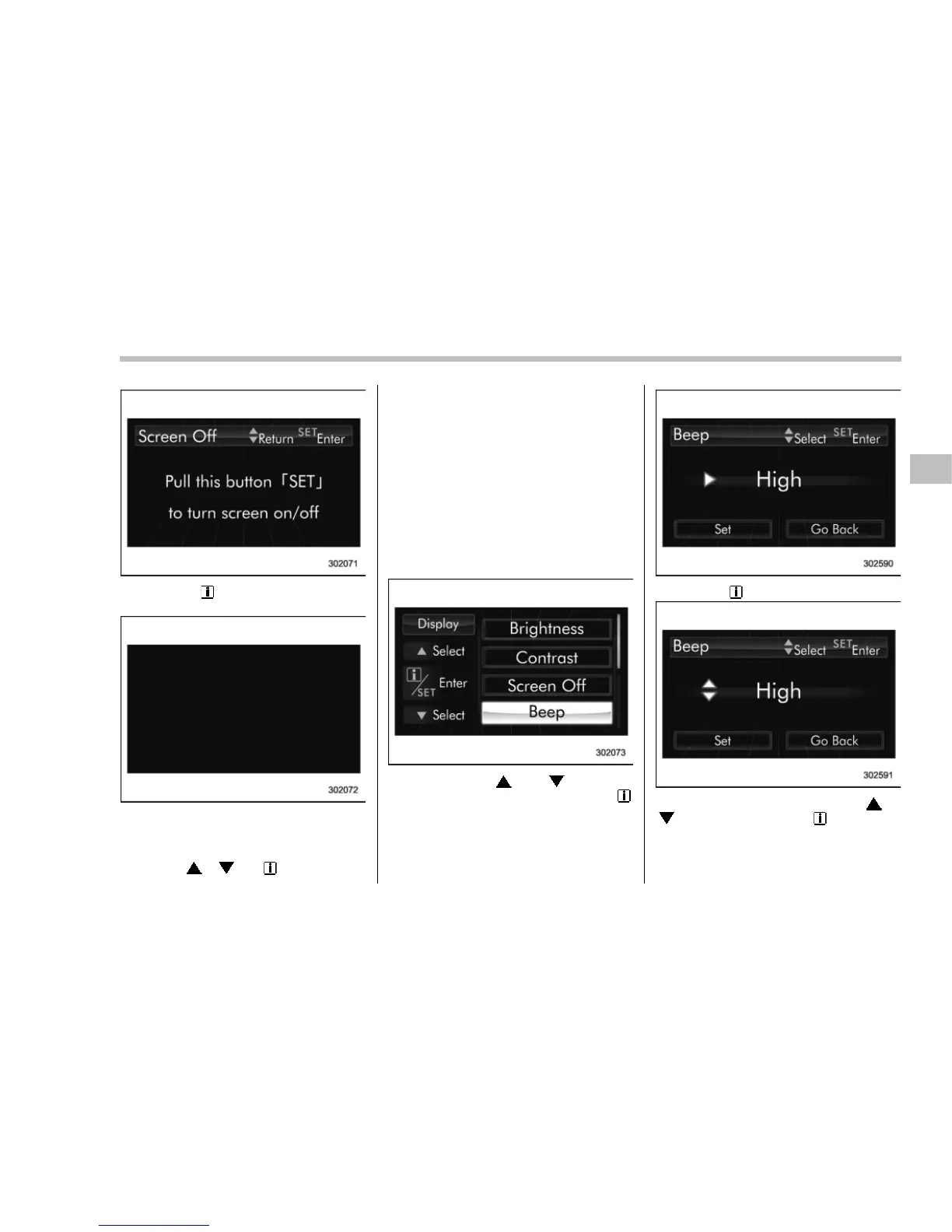
3. Pull the “ /SET” switch once more
toward you.
4. The screen is turned off.
Restoring the screen
When the “
”, “ ” or “ /SET” switch is
pulled toward you after the ignition switch
is turned to the “ON” position, the screen
will be restored. The sc reen will be
restored with the basic screen that was
displayed when the screen was turned off.
While the screen is off, a warning mes-
sage will be displayed if necessary, but
other screens will not be displayed.
! Beep volume setting
1. Perform the preparation steps accord-
ing to “Preparation for image quality and
volume settings” F3-47.
2. Operate the “ ” or “ ” switch to
select the “Beep” item. Then pull the “
/
SET” switch toward you.
3. Pull the “ /SET” switch toward you.
4. Select an item by operating the “ ” or
“
” switch. Then pull the “ /SET” switch
toward you.
Instruments and controls/Multi function display
3-49
– CONTINUED –















 To Next Page