User’s Manual - 15
Copyright(c) 2005, Sun Microsystems, Inc. All rights reserved.
On-Screen Display
OSD How to adjust
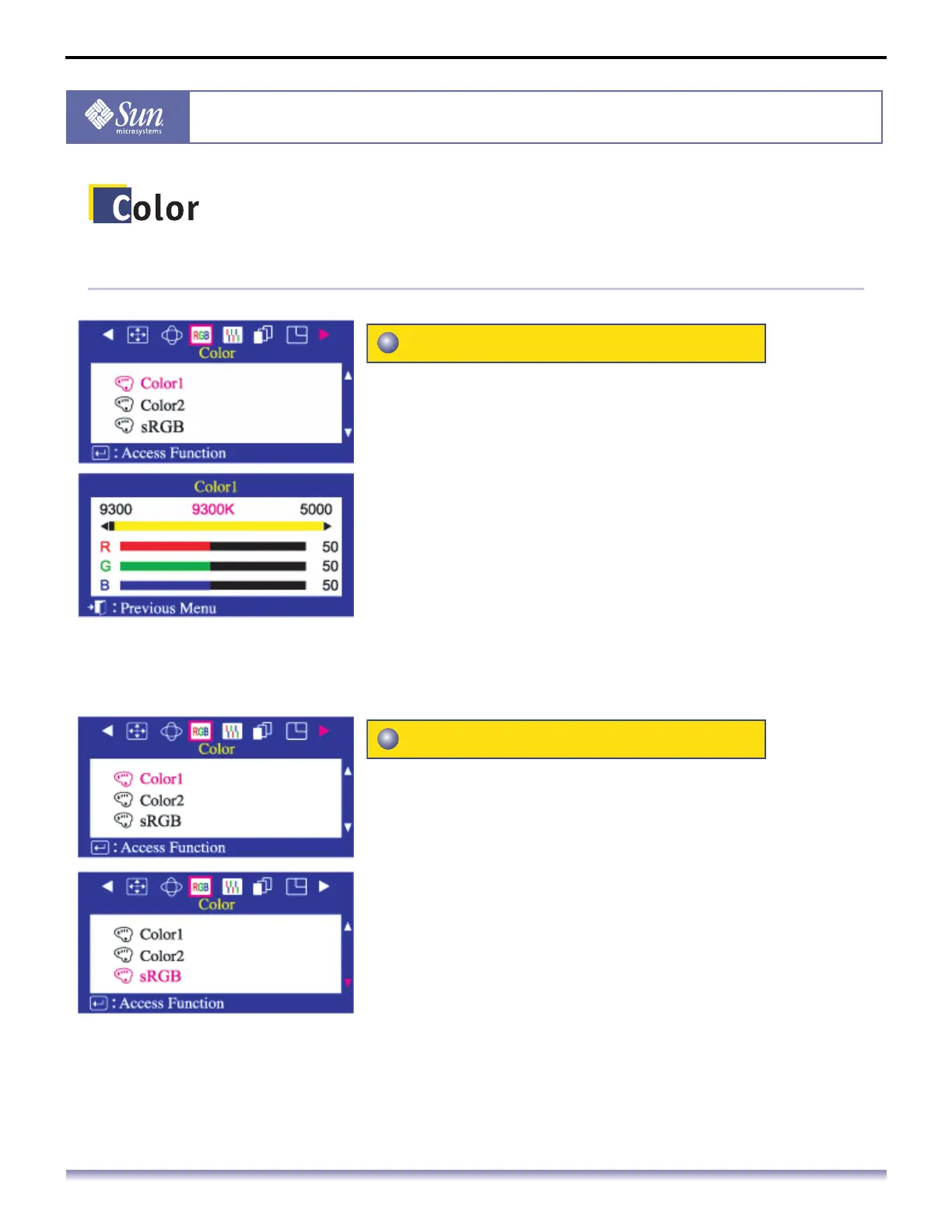
Color temperature is a measure of the 'warmth' of the
image colors. The available range is between 5000 to
9300K. Follow these steps to change the color
temperature and adjust individual R,G,B color balance.
1. Push the Menu button.
2. Push the button or button until the Color screen is
displayed.
3. Push the button or button to select Color1/Color2.
4. Push the Menu button to open the Color1/Color2
adjustment screen.
5. Adjust the color temperature as close to the desired
temperature as possible using only the and buttons. To
fine tune the color hue, use the button or button to
select R(ed), G(reen) or B(lue), then use the and
buttons until you reach the desired color.
When you adjust the Brightness and Contrast after sRGB
mode is selected, sRGB mode exits.
1. Push the Menu button.
2. Push the button or button until the Color screen is
displayed.
3. Push the button or button to select Color1, Color2 or
sRGB
Color 1 / Color2
sRGB



 To Next Page