User’s Manual - 16
Copyright(c) 2005, Sun Microsystems, Inc. All rights reserved.
On-Screen Display
OSD How to adjust
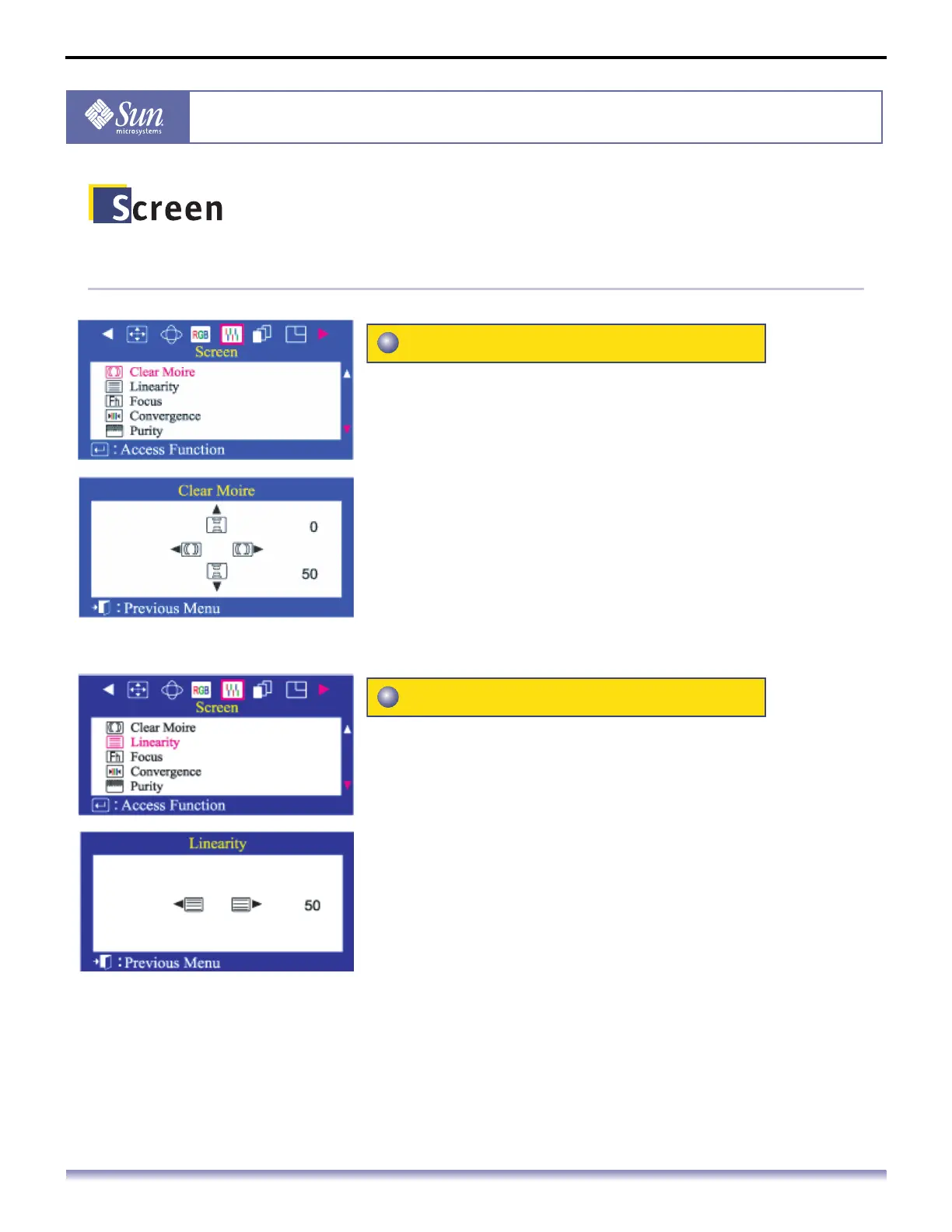
A 'moire' pattern can appear on your screen, looking like
a series of concentric circles or arcs.
To eliminate this pattern, use the clear moire
adjustments.
1. Push the Menu button.
2. Push the button or button until the Screen menu is
displayed.
3. Push the button or button to select Clear Moire.
4. Push the Menu button to open the Clear Moire adjustment
screen.
5. Use the button or button to adjust horizontal moire; use
the button or button to adjust vertical moire.
Adjust the linearity setting when the displayed image is
compressed at the top or bottom.
1. Push the Menu button.
2. Push the button or button until the Screen menu is
displayed.
3. Push the button or button to select Linearity.
4. Push the Menu button to open the Linearity adjustment
screen.
5. Use the button or button to adjust the vertical Linearity.
Clear Moire
Linearity



 To Next Page