User’s Manual - 17
Copyright(c) 2005, Sun Microsystems, Inc. All rights reserved.
On-Screen Display
OSD How to adjust
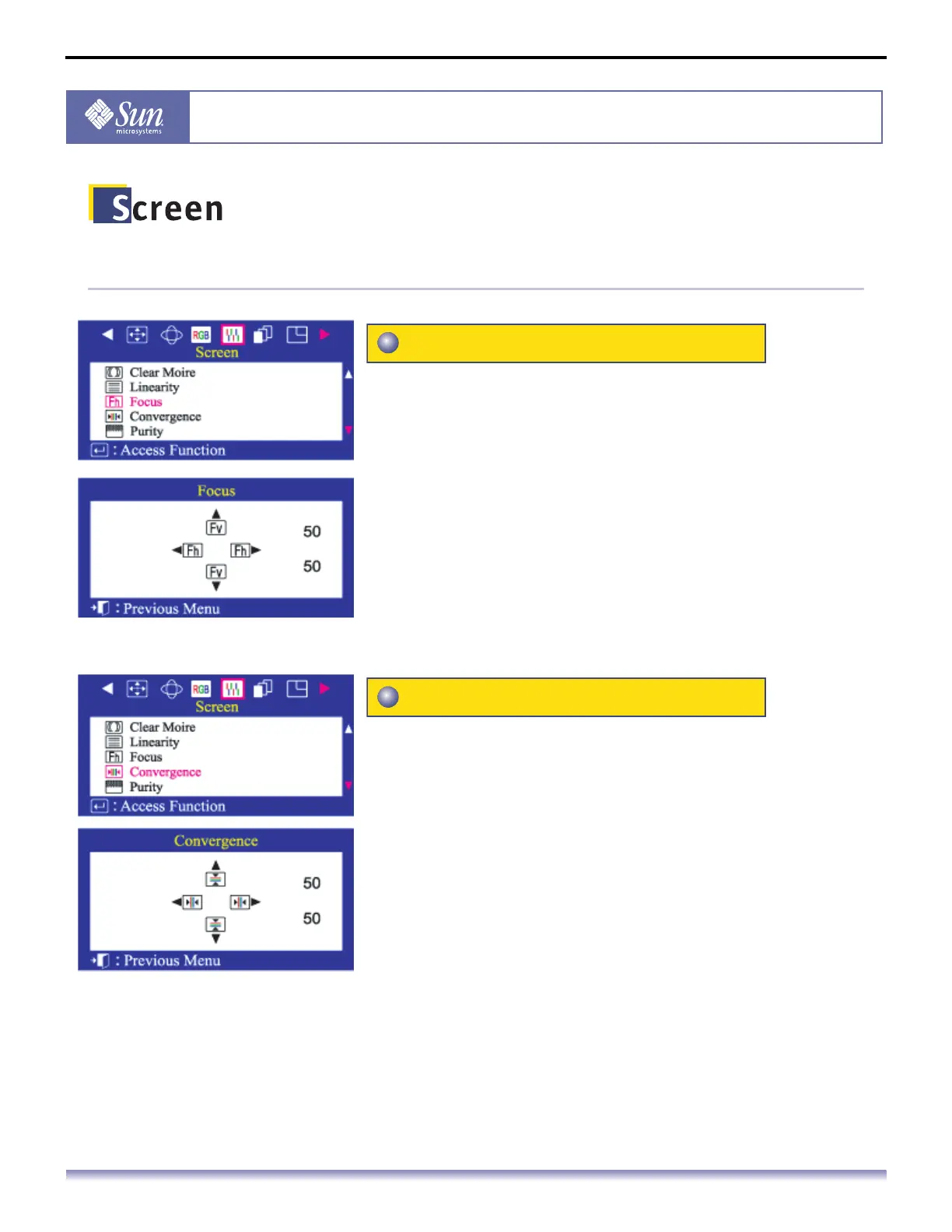
Use the focus control when the image displayed on the
screen is not sharp in all areas.
1. Push the Menu button.
2. Push the button or button until the Screen menu is
displayed.
3. Push the button or button to select Focus.
4. Push the Menu button to open the Focus adjustment screen.
5. Use the button or button to adjust the focus along the
left and right areas of the screen. Use the button or
button to adjust the center area of the screen.
Convergence affects picture clarity. Adjust the horizontal
or vertical convergence to properly align the color dots
that make up the image.
1. Push the Menu button.
2. Push the button or button until the Screen menu is
displayed.
3. Push the button or button to select Convergence.
4. Push the Menu button to open the Convergence adjustment
screen.
5. Use the button or button to adjust the horizontal
convergence. Use the button or button to adjust the
vertical convergence.
Focus
Convergence



 To Next Page