User’s Manual - 21
Copyright(c) 2005, Sun Microsystems, Inc. All rights reserved.
On-Screen Display
OSD How to adjust
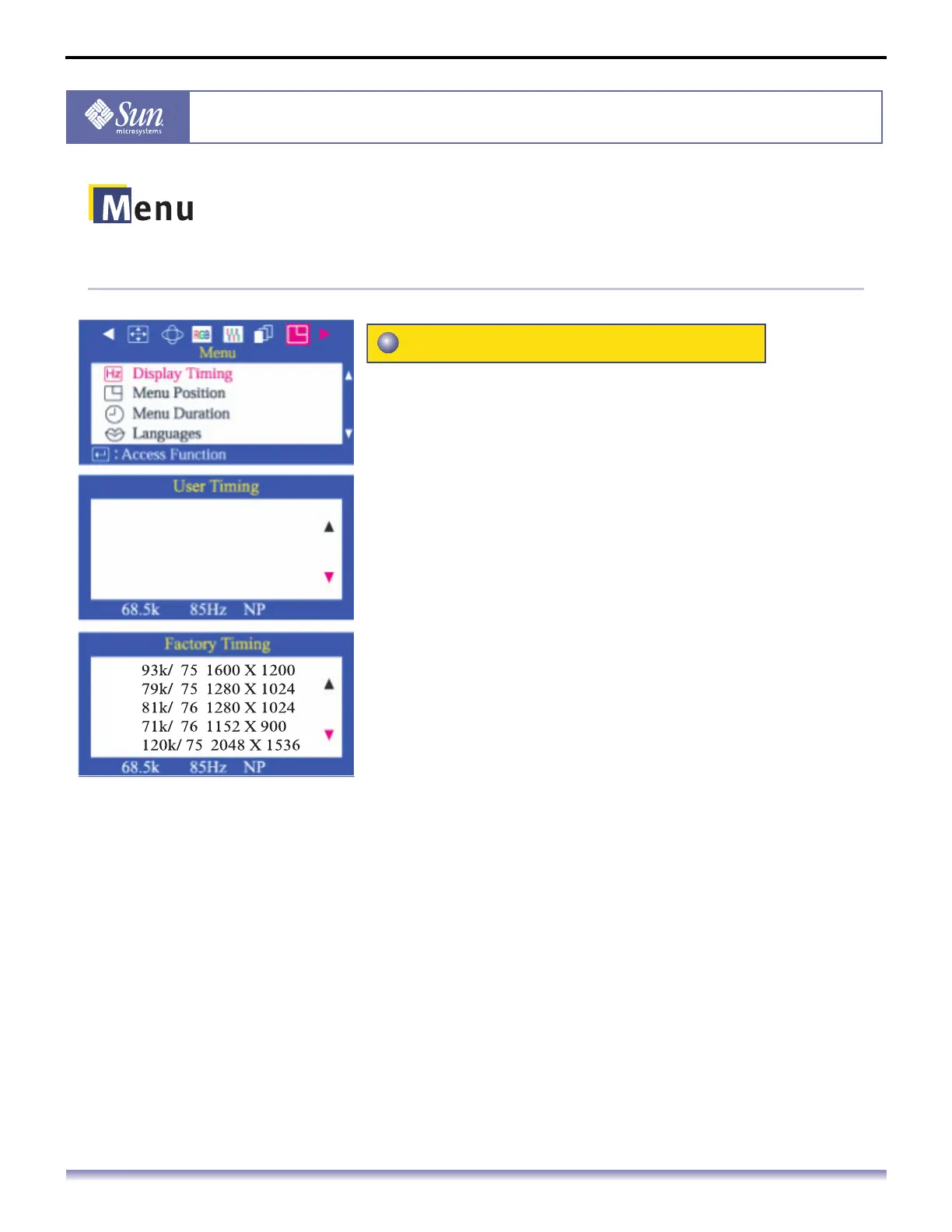
Display timing provides information about the display
timing and sync signals polarity(user mode) and display
resolution(default mode).
Note: These screens do not allow any changes to the settings, they
are for information only.
1. Push the Menu button.
2. Push the button or button until the Menu screen is
displayed.
3. Push the button or button to select Display timing.
4. Push the Menu button to open the Display timing
adjustment screen.
5. Use the button to see the user control mode and the
default mode.
Display Timing



 To Next Page