- 10 -
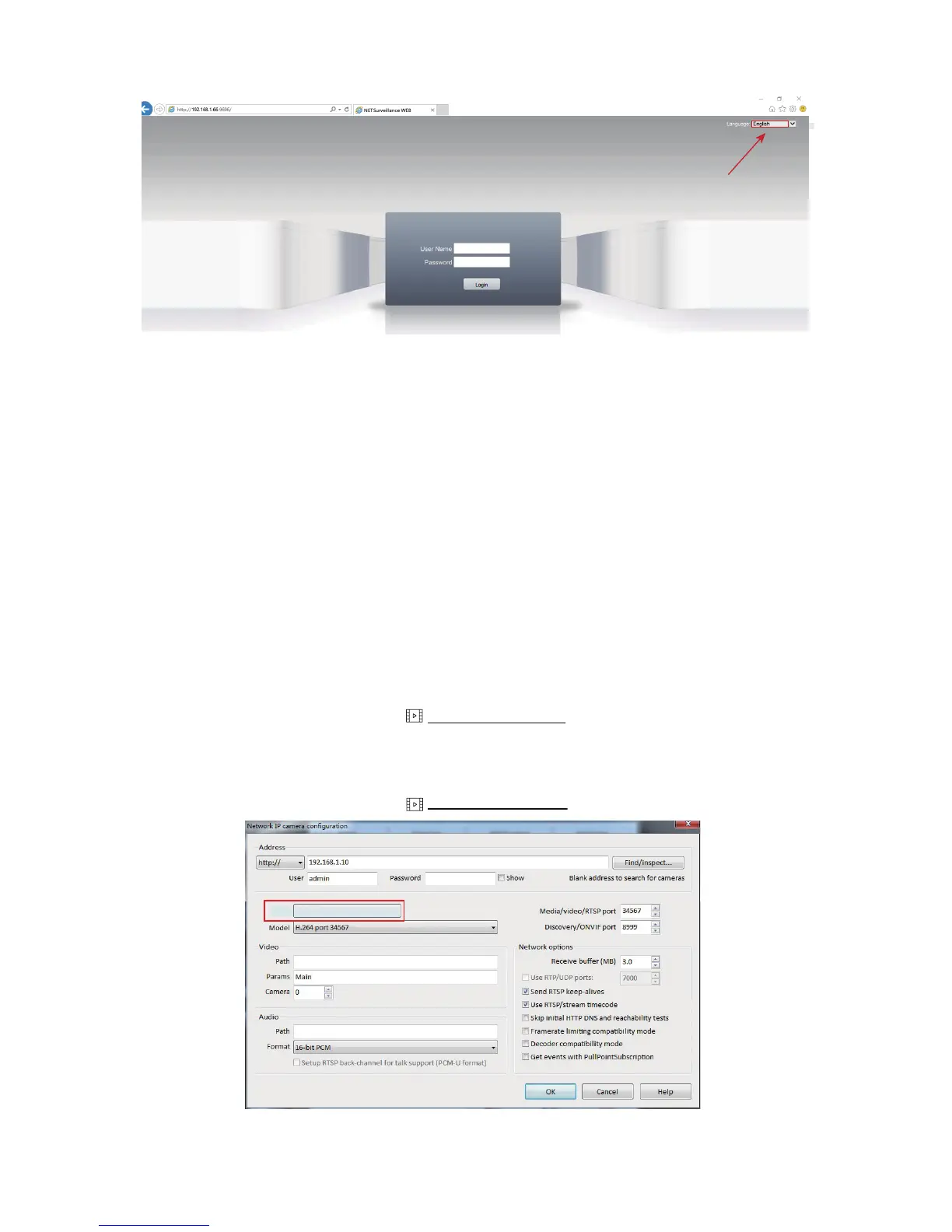
4)Enter username and password. The username is admin with no password
by default.
5)Please change the admin password after log in to protect your privacy
from Chapter 8. Do not forget your password. The password is very impor-
-tant if you want to reset your camera in Device Manager.
6)Go to <stream menu> and connect with either main stream (better qua-
-lity, higher network requirements) or sub-stream(extra stream).
Note: our cameras currently do not support Windows 10 Edge Explorer.
B. CMS (in Windows)
Download CMS from CD-ROM: English -> Software -> CMS
Video Tutorial available from cms.sunba.net
Download CMS from CD-ROM: English -> Software -> VMS
Video Tutorial available from mac.sunba.net
C. VMS for Windows & Mac
Make
SUNBA
Also support Xmeye protocol
Blue Iris (in Windows)
Select the language
before login.
English



 To Next Page