- 11 -
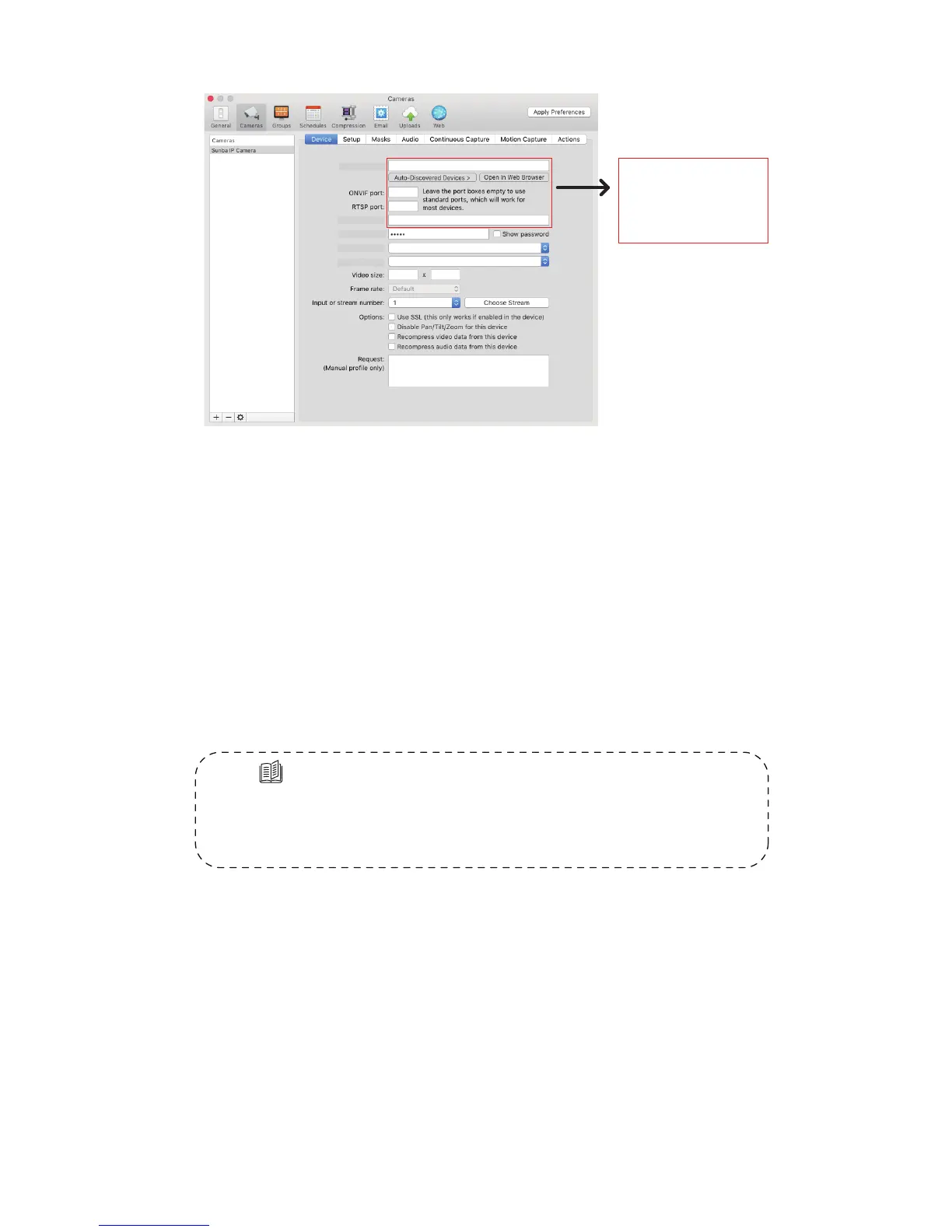
Security Spy (in Mac)
Other third party IP camera management tools
There are many other IP camera management tools you can use. Above
we attached the setting from the most popular software in Windows and
Mac. Some software/NVR requires manually adding the camera through
ONVIF port 8899.Note:In 3rd party software/NVR, due to the level of
customization for ONVIF by diffrent surveillance manufactures, only ptz, vi-
-deo and recording may work depending on specic ONVIF version.
6.Camera Mobile & Remote Access
Tips:
Go to Sunba website FAQ page and type keyword “mobile”to
gain the setup page for popular smartphone app such as XMEye
(JFeye), TinyCam Pro, IP Cam Viewer.
Type 1: P2P Function (simple setup)
P2P cloud technology enables customers to remotely access, control and
congure their cameras through internet even if you are thousands miles
away.
Warning: P2P function may not work if you modify the default media port
(34567) of the camera or the DNS of your camera is not on the same subnet
as your router. Your NAT status by DeviceCong->Version needs to be
“connected” before you are able to access your camera through P2P.
192. 168. 1. 10
admin
RTSP TCP (vidieo and audio)
ONVIF
Address:
Username:
Password:
Prole:
Format:
Fill in the boxes
with corresponding
network info of
your camera



 To Next Page