- 24 -
Alert Format
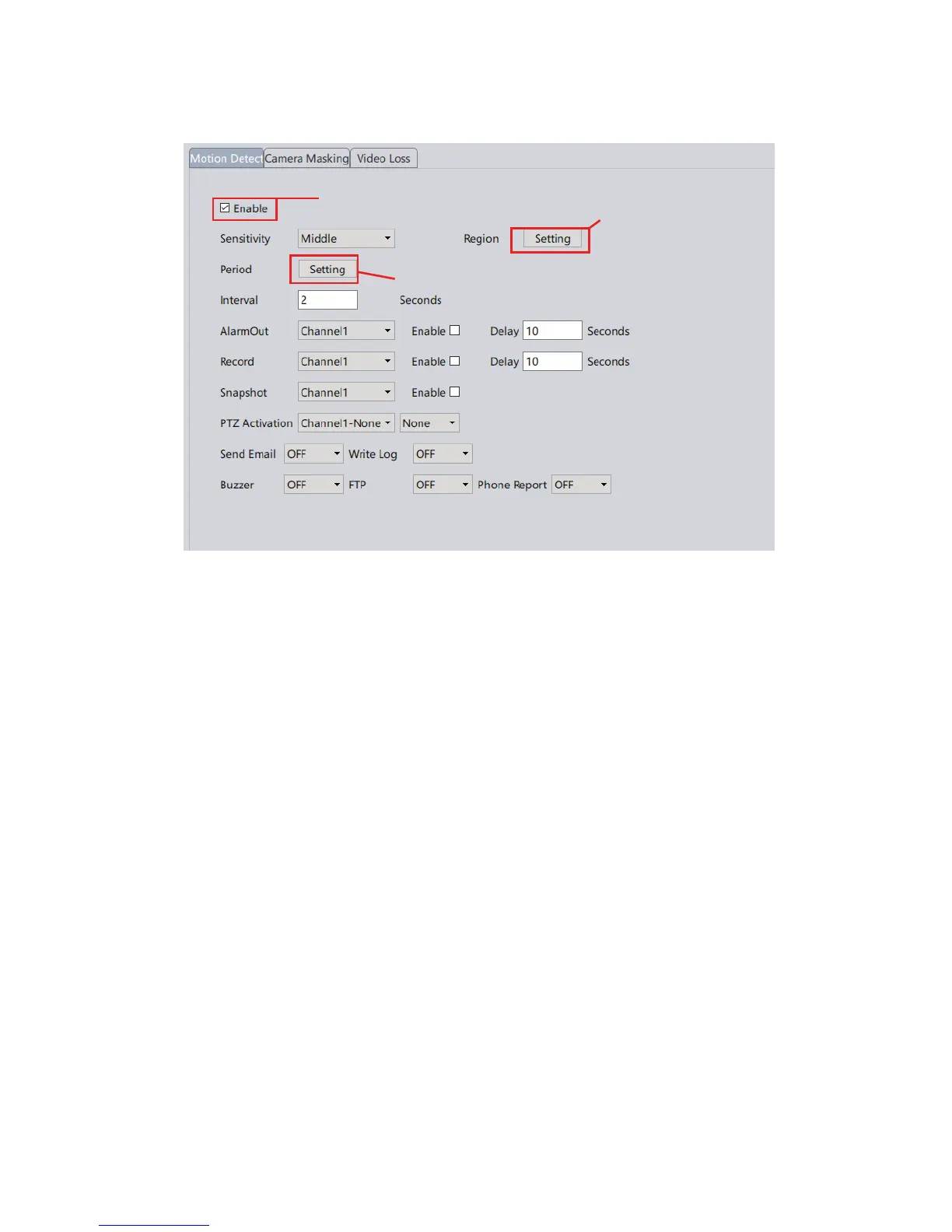
Buzzer: Must have a siren connected with the alarm interface of the NVR
to enable this option.
Send Email: Enable this and enter your email information via Device
Cong->NetService (Network in VMS). You can also enable the snapshot
option to activate email alert with snapshots.
Write Log: A log will be popped on the screen every time an alert is
received.
FTP: See Chapter 14.
Phone Report: Enable Sunba XMEye app notication (need to setup on
app side as well)
You can upload motion detection snapshots and videos to your FTP.
Step 1. Please remember to check the “Detect” option in the Snapshot
Cong or Record Cong under Device Cong.
Step 2: VMS: Device Cong-> Network->FTP
CMS/Browsers: Device Cong->NetService->FTP
13. Motion Detection
14. FTP Communication
Enable motion detect
Modify the detection region
Edit the detection schedule



 To Next Page