30
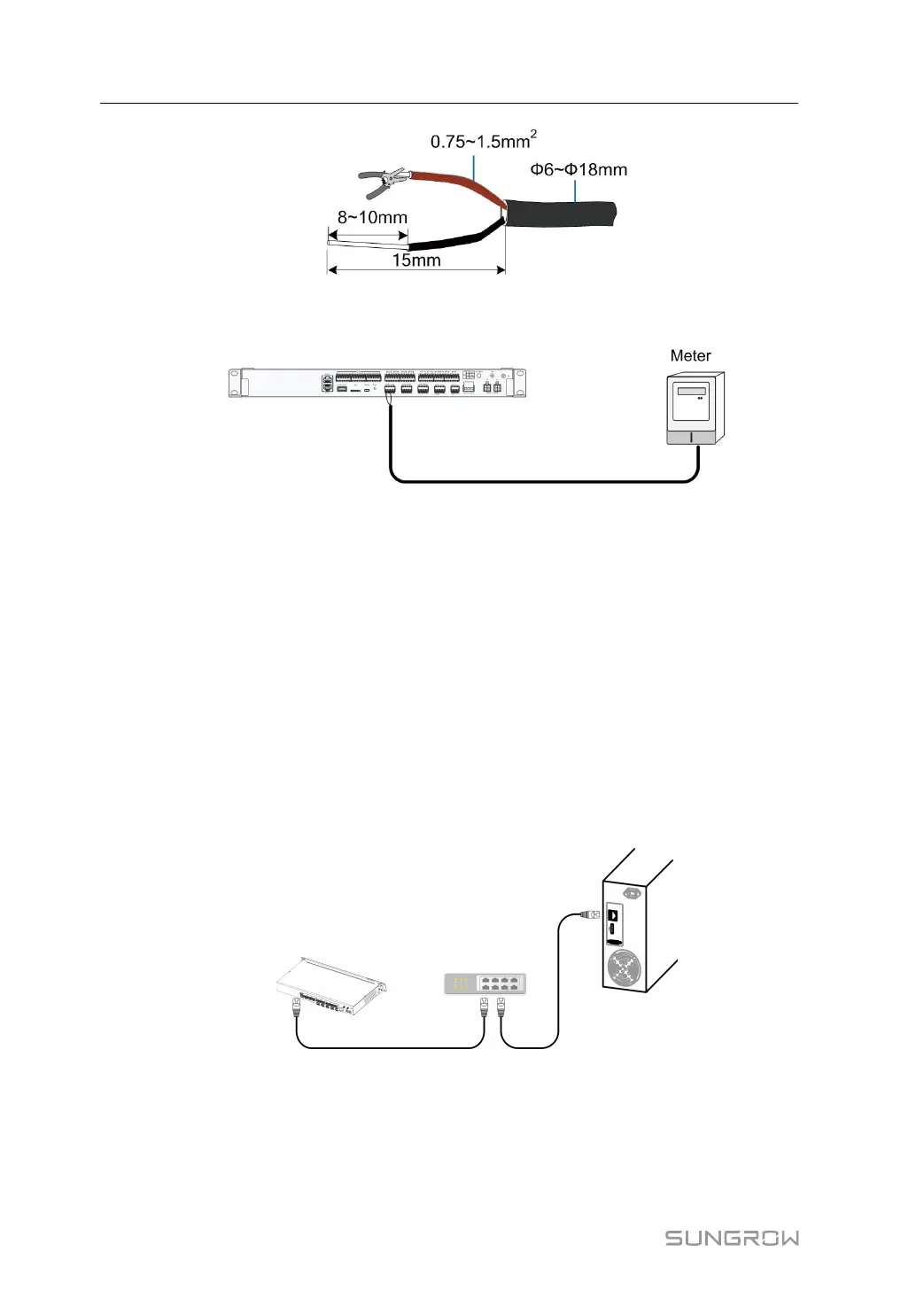
step 3 Connect the stripped cable to the RS485 port of the Logger3000, as shown in the figure
below.
-- -- EEnndd
7.6.2 Ethernet Cable Connection
Connect the "Ethernet" port of the energy meter and the "Ethernet" port of the Logger
with a network cable.
7.7 Connecting to the Remote Monitoring Device
The Logger3000 is equipped with two Ethernet ports: ETH1 and ETH2. The function of
the ETH1 is reserved. The Logger3000 can be connected to the Ethernet switch and
router through the ETH2 port.
step 1 Insert one plug of the supplied network cable into the network port of the Ethernet
switch and the other plug into the ETH2 port of the Logger3000.
step 2 Configure network parameters.
-- -- EEnndd
7 Electrical Connection User Manual



 To Next Page