35
AAddddiittiioonnaall IInnffoorrmmaattiioonn
To create power plants through iSolarCloud App, proceed as follows after downloading
and installing the App:
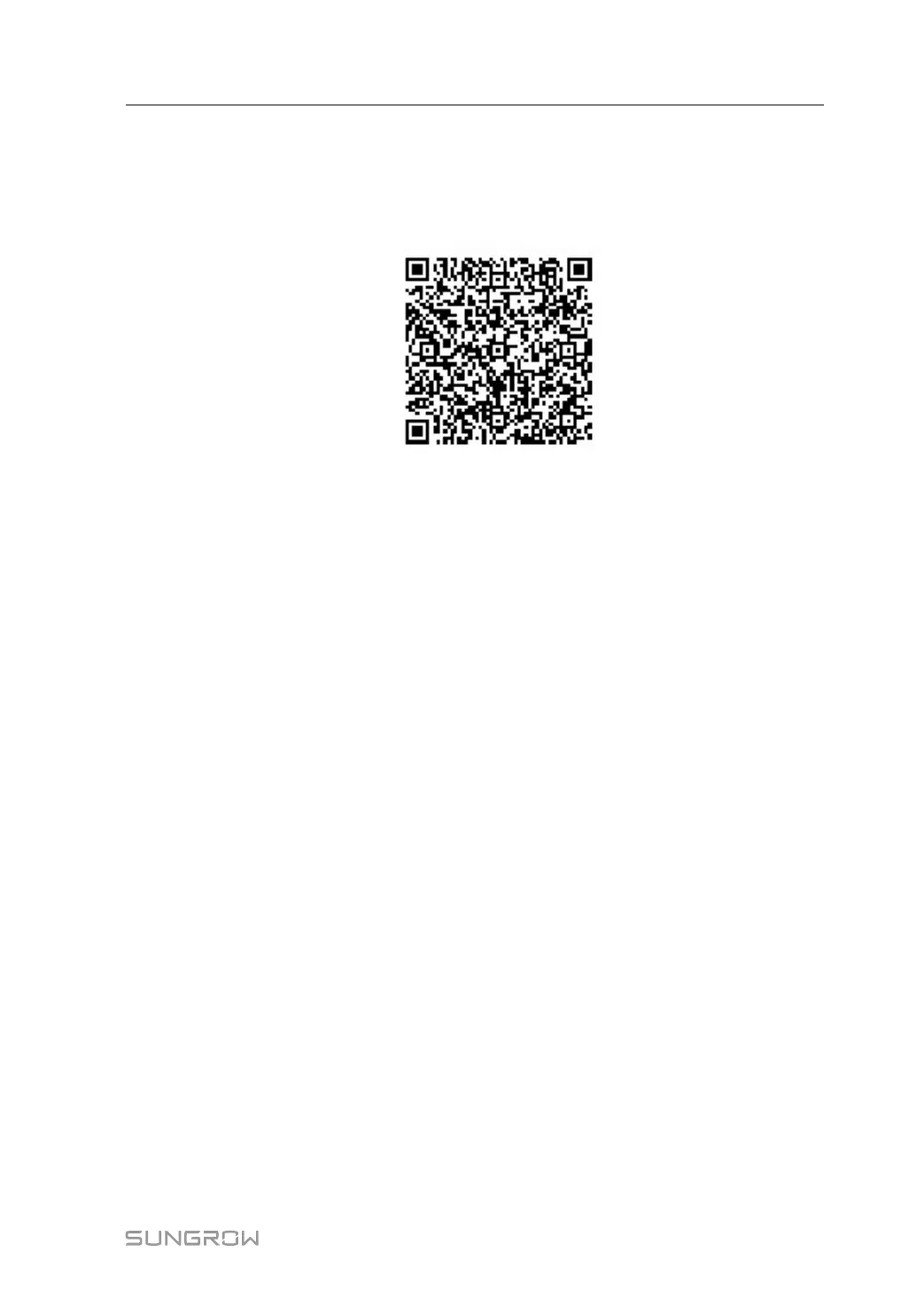
1 Log in to the Web of Logger3000, and click "About" to get the QR code.
2 Scan the QR code with iSolarCloud App or manually enter the serial number S/N to
add corresponding communication device.
For more details, refer to Quick Operation Manual of iSolarCloud App.
User Manual 8 Commissioning



 To Next Page