5 Electrical Connection
5.1 Safety Instructions
DANGER
High voltage hazard!
The Data Logger should be reliably ground. Never touch the AC power supply
port "AC IN 100–277V, 0.48A" and MPLC communication port "L1/L2/L3" when the
device is powered on.
NOTICE
High Risk hazard! Danger will be caused by touching the MPLC communication port
immediately after powering down. Wait at least 30s to have the capacitor discharge
completely.
NOTICE
Incorrect wiring may result in damage to the Data Logger and potential harm to the
operator.
NOTICE
All cables are intact, well-insulated, and appropriately dimensioned.
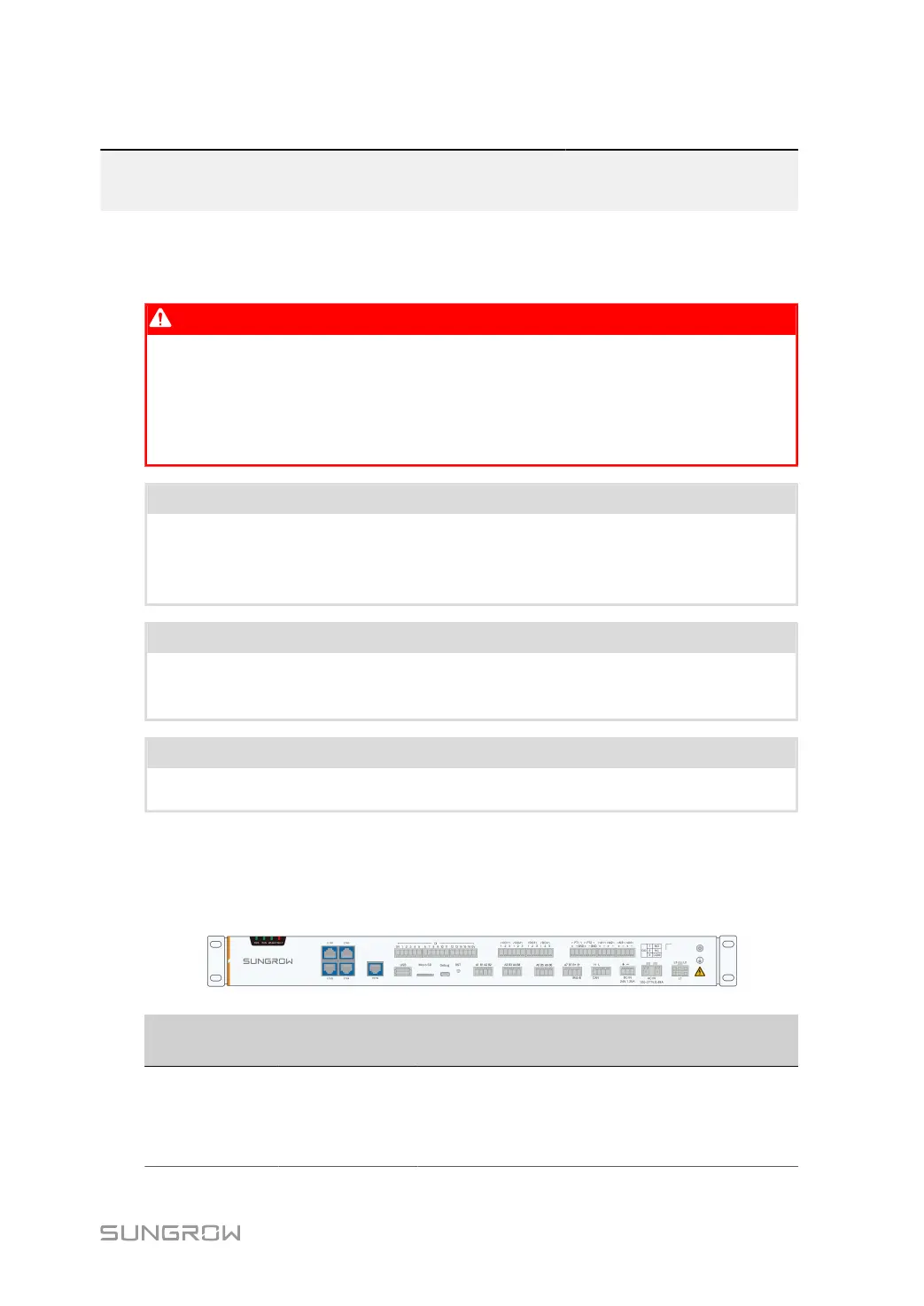
5.2 Port Introduction
The layout and identifiers of the Data Logger terminals are shown below.
Symbol Name
Recommended
cables
Description
ETH1~ETH2 Ethernet port -
Data exchange Ethernet port.
Can be connected to the
background using devices such
as switches and routers.
19



 To Next Page