18
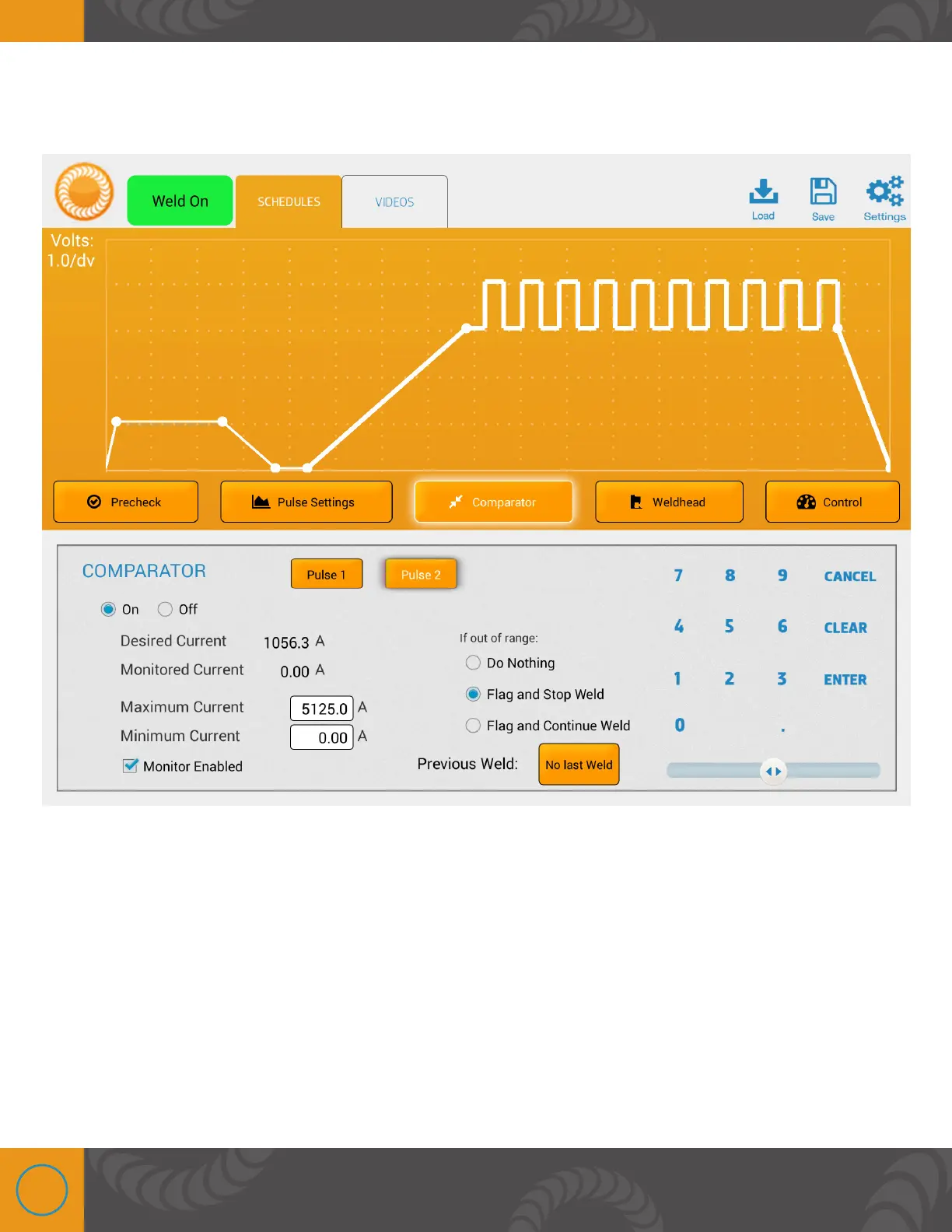
COMPARATOR SCREEN
is screen is used when monitoring is enabled on the “Pulse Settings” Screen. However users
have the capability to turn the function on or off.
• Desired (voltage, current, or power) - This displays the desired (voltage, current, or
power) that has been selected on the “Pulse Settings” screen.
• Monitored (voltage, current, or power) - This displays the actual (voltage, current, or
power) that was achieved on the previous weld. The number will be 0 if the comparator was
turned off on the previous weld.
• Maximum and Minimum (voltage, current, or power) - The user can select the max and
min (voltage, current, or power) that is allowable through the weld.
• If out of range - If weld (voltage, current, or power) goes outside the range set in the min
and max, there are 3 options for the user to decide what happens next:















 To Next Page