SWDM240B OPERATION & MAINTENANCE MANUAL
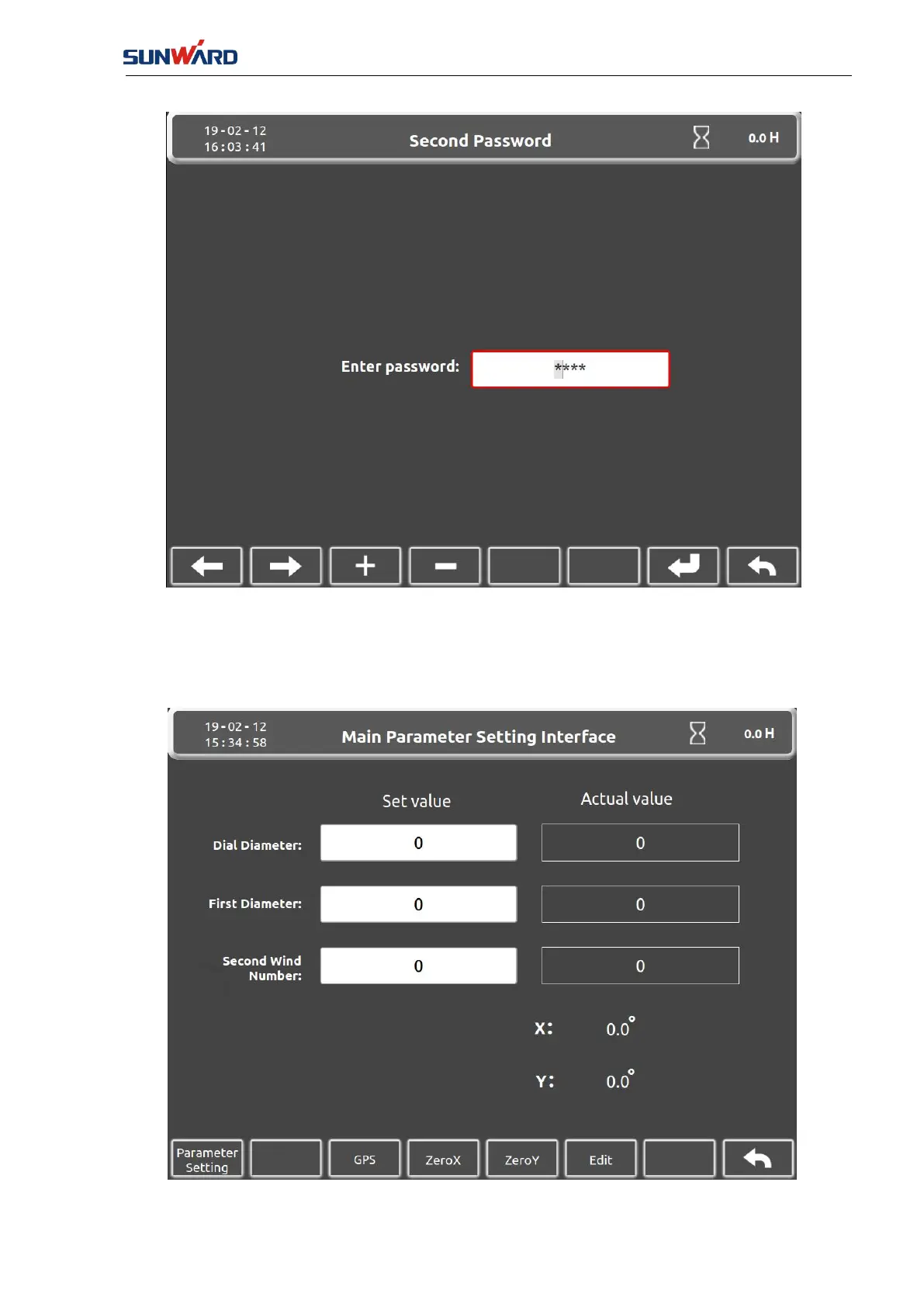
FIG. 3.2.1-5
Press the left button and right button (key 1/2) to move the cursor, set the value by the keys "+"
and "_" (key 3/4), then input the correct password and confirm by the key 7, at last, it jumps to
the "Main Parameters Setting Interface “(FIG.3.2.1-6).
FIG. 3.2.1-6



 To Next Page