SWDM240B OPERATION & MAINTENANCE MANUAL
3.2.1.7 CFA Interface (optional function)
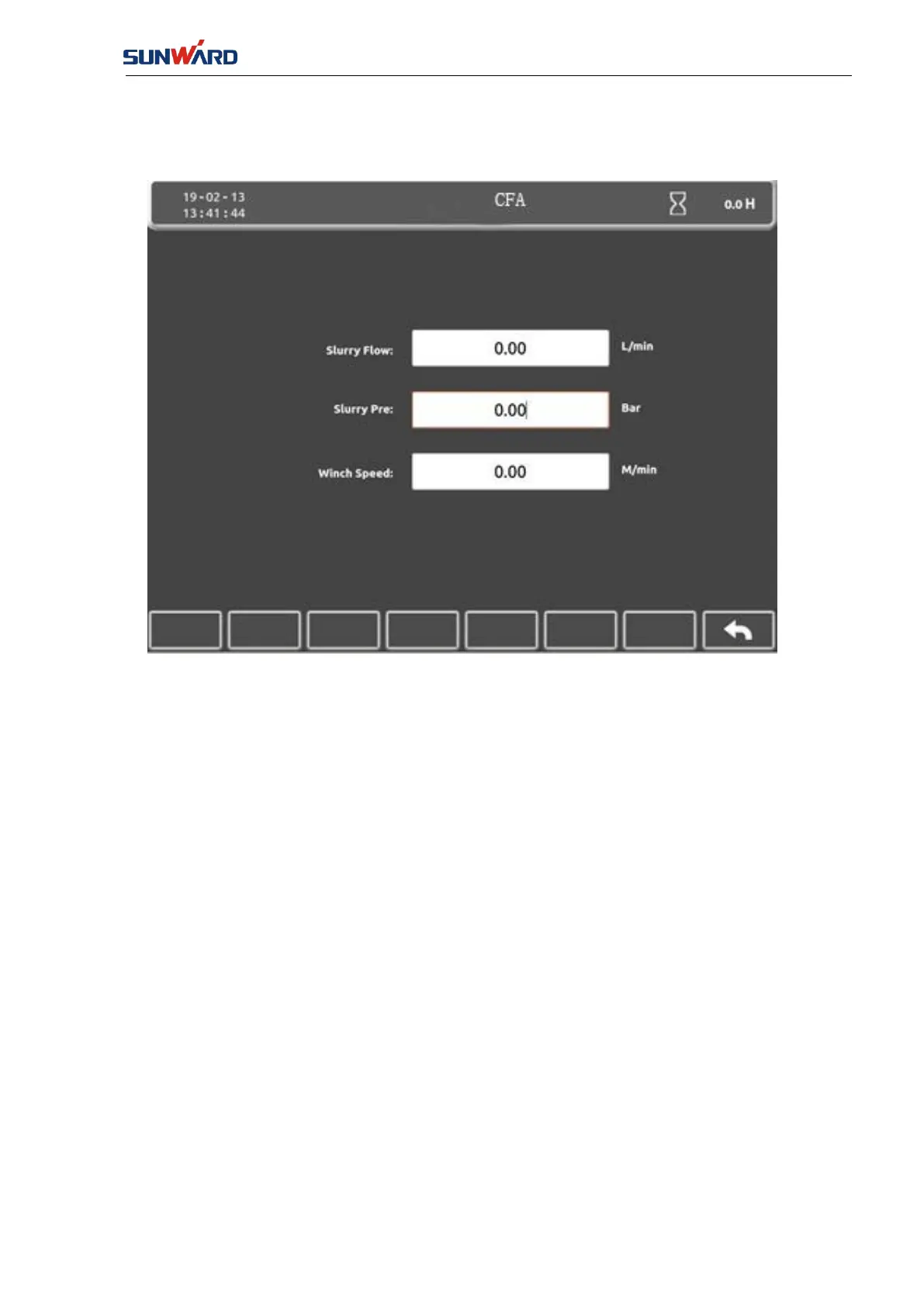
Click “CFA” (KEY 1) in the “Main Monitor Interface”(FIG. 3.2.1-7) to enter “CFA” interface.
FIG. 3.2.1-8
This interface shows the parameters that are related with CFA, including: slurry flow, pressure,
winch speed. Click "Return" (key 8) to enter the "Main Monitor Interface"
(
FIG. 3.2.1-7
)
.
3.2.1.8 Port Monitor Interface
Enter the "Port Monitor Page 1" by clicking the "Port" (key 2) on the "Main Monitor Interface"
(FIG. 3.2.1-7).



 To Next Page