SWDM240B OPERATION & MAINTENANCE MANUAL
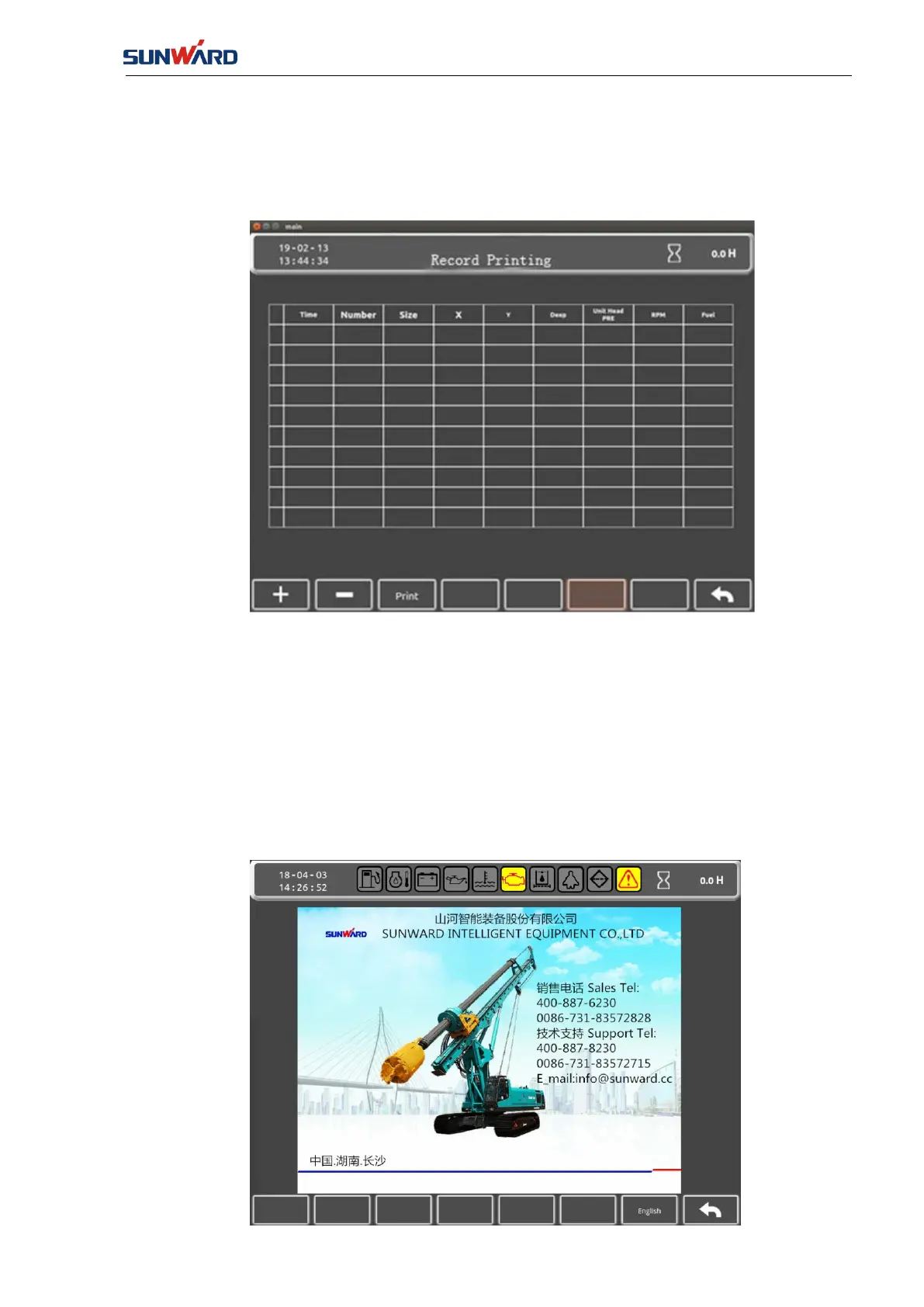
3.2.1.13 Printing Record
Enter the “Printing Record” interface by clicking the “Record Printing” (key 7) in the “Main
Monitor Interface (FIG. 3.2.1-7).
FIG. 3.2.1-21
The real-time recorded information can be printed out in this interface (Special printer must be
connected).
Enter "Record Interface" (FIG. 3.2.1-16) by clicking the "Return" (key 8).
3.2.1.14 Company Information Interface
Enter the "Company Information Interface" by clicking "Contact Us"(key 7) in the "Main
Interface" (FIG. 3.2.1-1).



 To Next Page