Appendix C: Intel HostRAID Setup Guidelines
C-9
Resetting to Non-RAID and Resetting a RAID HDD
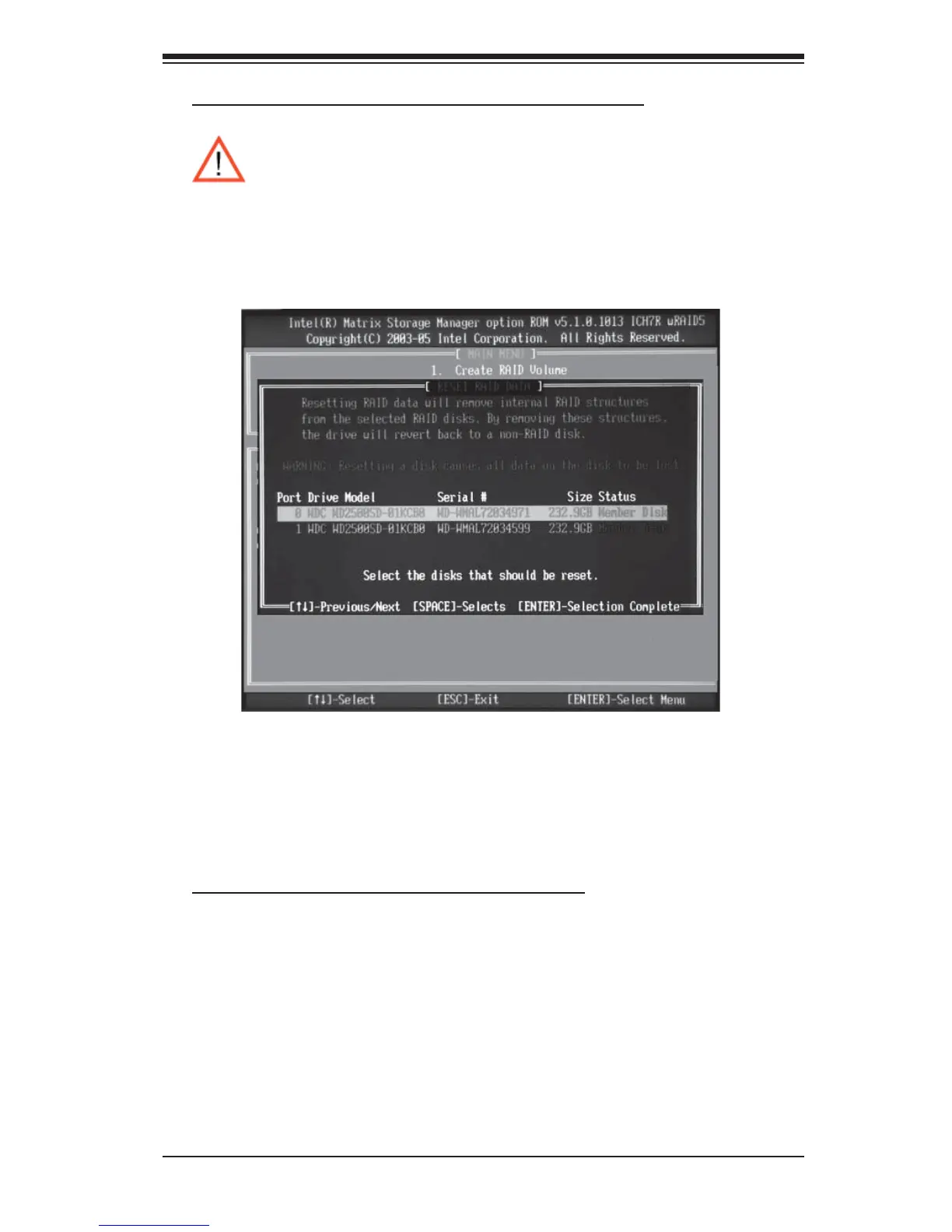
a. From the main menu, select item3-Reset Disks to Non- RAID, and press <Enter>.
The following screen will appear:
b. Use the <Up Arrow>, <Down Arrow> keys to highlight the RAID set drive to reset
and press <Space> to select.
c. Press <Enter> to reset the RAID set drive. A Warning message displays.
d. Press "Y" to reset the drive, or type "N" to go back to the main menu.
Exiting the Intel Matrix Storage Manager Utility:
a. From the main menu, select item4-Exit, and press <Enter>. A warning message
will appear.
b. Press "Y" to reset the drive, or type "N" to go back to the main menu.
Warning: Be cautious when you reset a RAID volume HDD to non-
RAID or Resetting a RAID HDD. Resetting a RAID volume HDD or
Resetting a RAID HDD will reformat the HDD and delete all internal
RAID structure on the drive.



 To Next Page