Chapter 2: Installation
2-31
System Status LED
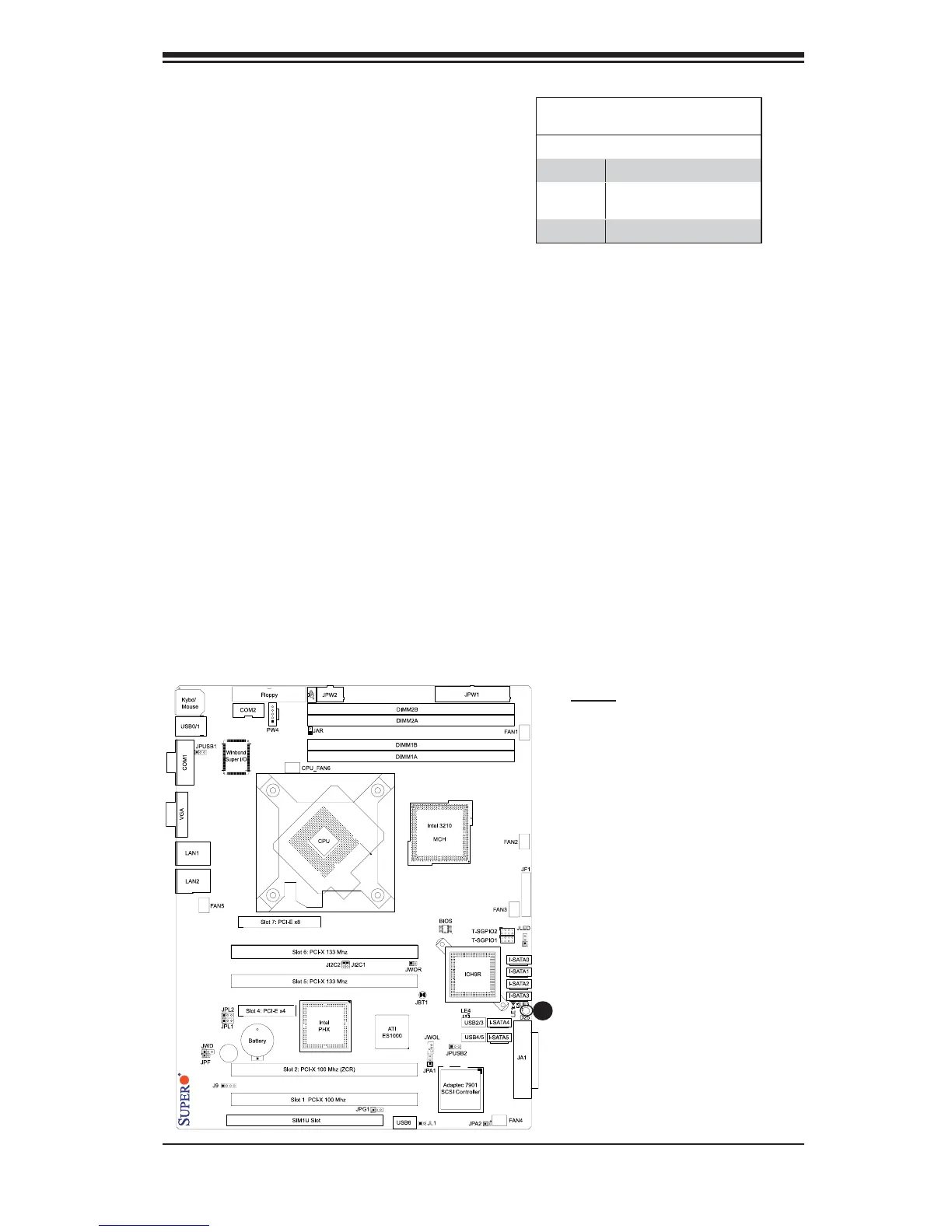
A System Status LED is located at D25
on the motherboard. When the green
light is on, the system is normal. When
the orange light is on, the system is in a
standby mode, but the AC power cable is
still connected. When is red light is on,
it indicates power errors. See the layout
below for the LED location.
System Status LED Indicator
LED Settings
LED Color Defi nition
Green System: Normal
Orange System: Standby, PWR
Cable Connected
Red Possible PWR Errors
X7SB4
A
A. D25



 To Next Page