Chapter 4: BIOS
4-3
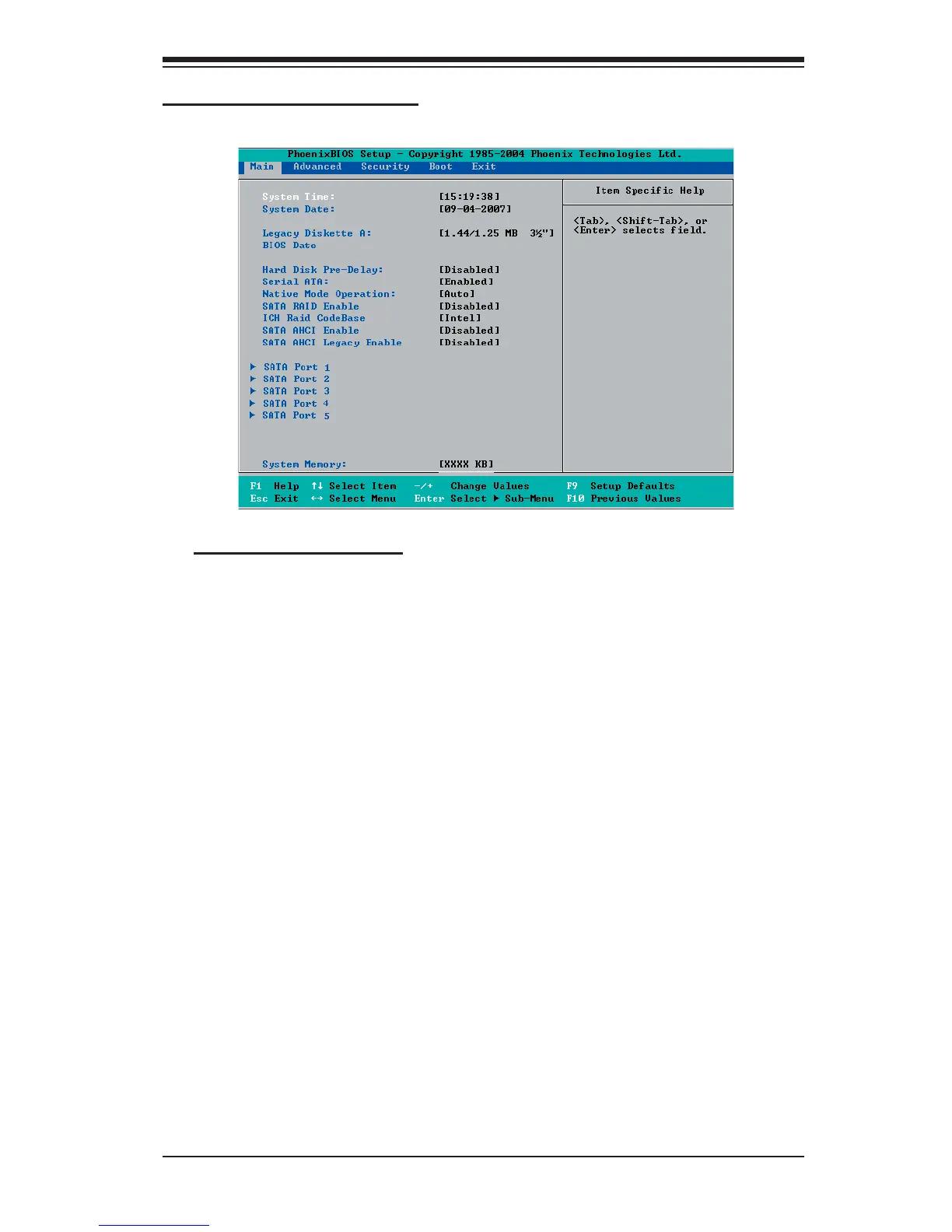
Main BIOS Setup Menu
Main Setup Features
System Time
To set the system date and time, key in the correct information in the appropriate
fi elds. Then press the <Enter> key to save the data.
System Date
Using the arrow keys, highlight the month, day and year fi elds, and enter the
correct data. Press the <Enter> key to save the data.
Legacy Diskette A
This setting allows the user to set the type of fl oppy disk drive installed as
diskette A. The options are Disabled, 360Kb 5.25 in, 1.2MB 5.25 in, 720Kb 3.5
in, 1.44/1.25MB, 3.5 in and 2.88MB 3.5 in.
BIOS Date
The item displays the date that the BIOS was built.
Hard Disk Pre-Delay
When Enabled, this feature will add a delay to provide time need for HDD self-
initialization before the HDD is accessed by the BIOS for the fi rst time. Some
HDDs will hang if accessed by the BIOS without proper initialization. The options
are 3, 6, 9, 12, 15, 21, 30 (seconds), and Disabled.



 To Next Page