Appendix D: Adaptec HostRAID Setup Guidelines
D-13
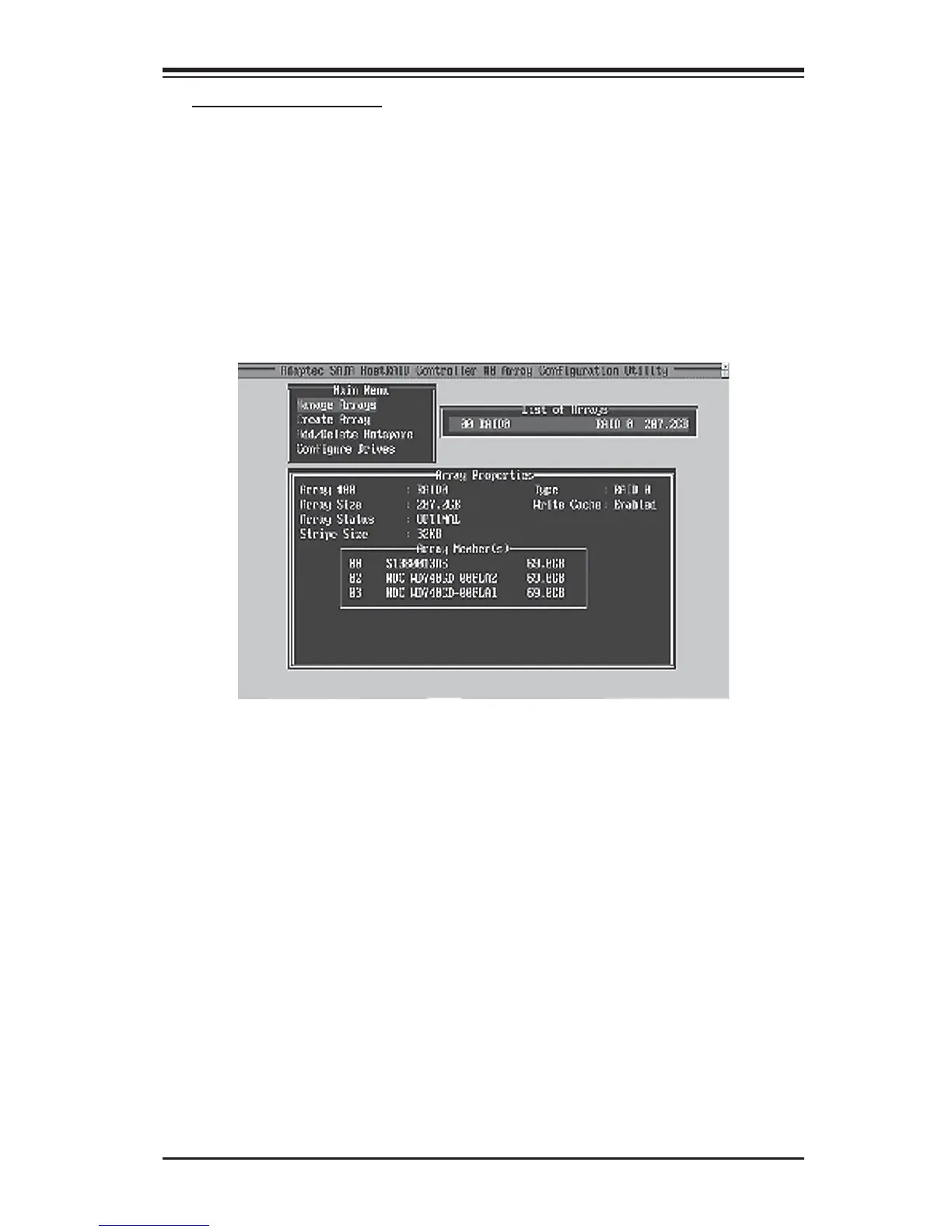
Viewing Array Properties
To view the properties of an existing array:
1. From the main menu, select Manage Arrays and hit <Enter> (as shown on the
previous page.)
2. From the List of Arrays dialog box (shown below), select the array you want to
view and press Enter.
The Array Properties dialog box appears (as shown below), showing detailed
information on the array. The physical disks associated with the array are dis-
played here.
3. Press Esc to return to the previous menu.



 To Next Page