D-18
X7SB4/X7SBE User's Manual
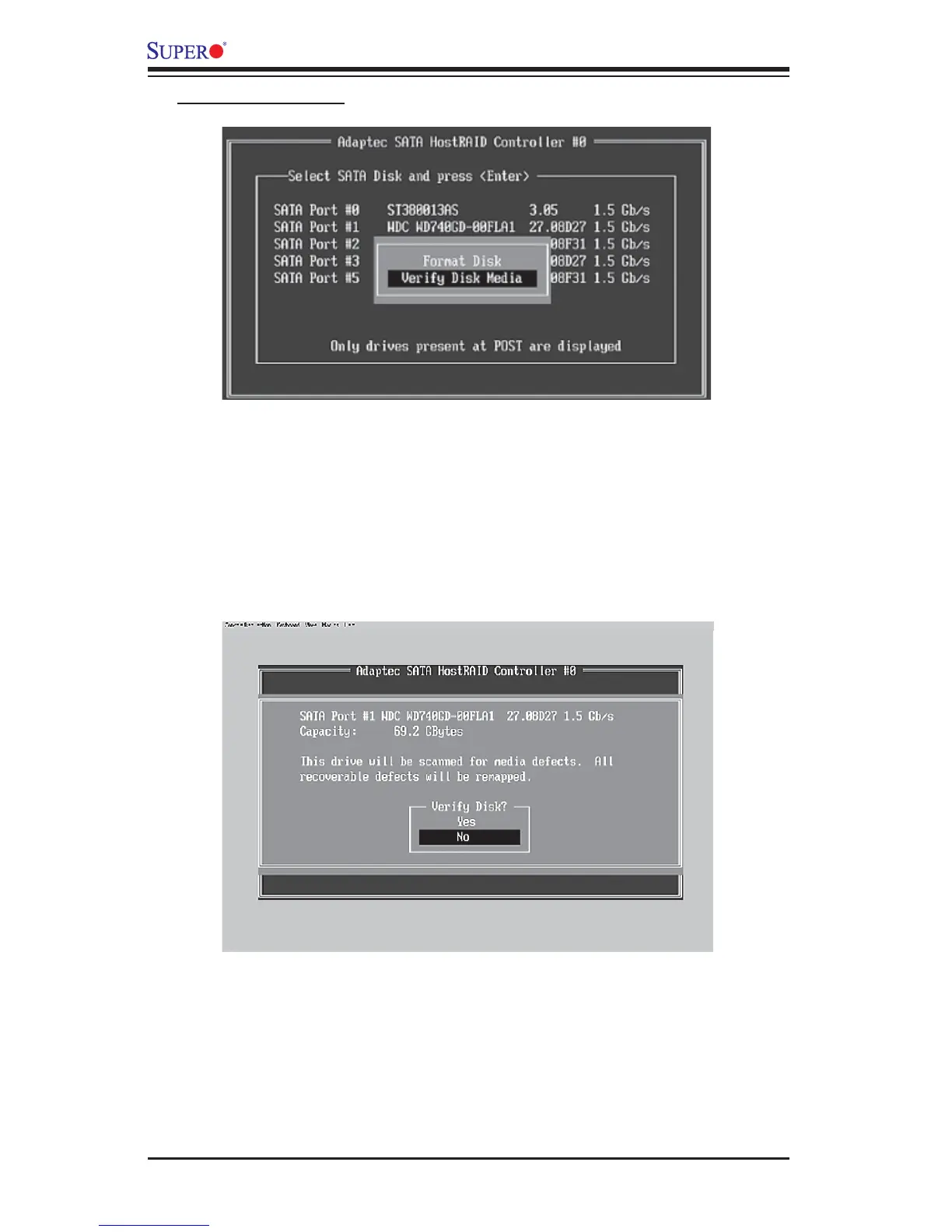
To verify disk media:
3. When the screen shown above displays, select Verify Disk Media and press
<Enter>.
4. A message will display, indicating that the selected drive will be scanned for
media defects. Select Yes and hit <Enter> to proceed with disk verifying; other-
wise, select No and hit <Enter>.



 To Next Page