Appendix C: Intel HostRAID Setup Guidelines
C-3
Using the Intel ICH9R SATA RAID Utility Program
1. Creating, Deleting and Resetting RAID Volumes:
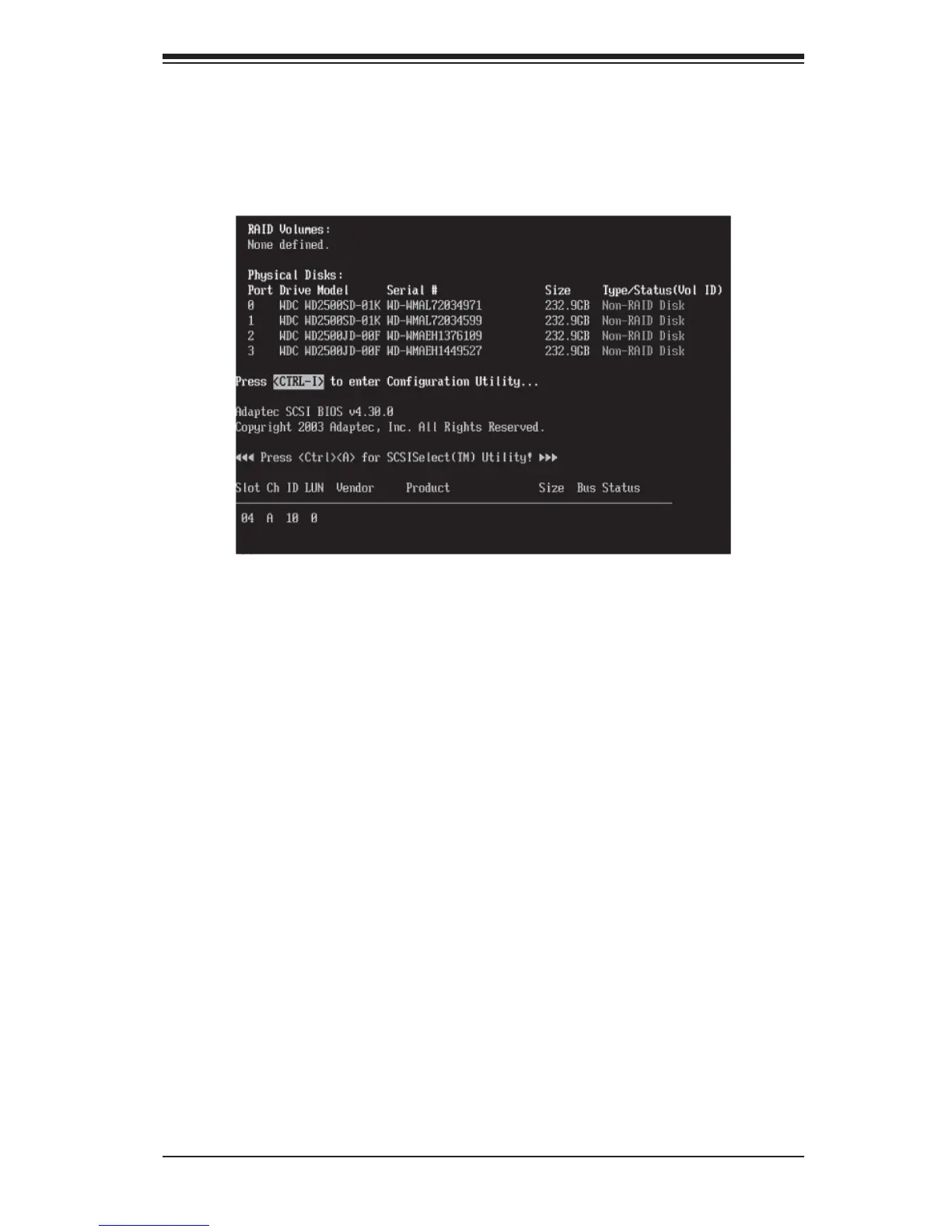
a. After the system exits from the BIOS Setup Utility, the system will automatically
reboot. The following screen appears after Power-On Self Test.
b. When you see the above screen, press the <Ctrl> and the <I> keys simultane-
ously to have the main menu of the SATA RAID Utility appear:
Note: All graphics and screen shots shown in the manual are for reference only. The
screen shots shown in the manual do not imply Supernicro's endorsement or non-en-
dorsement on any 3rd party's product. Your screens may or many not look exactly the
same as the graphics shown in this manual.



 To Next Page