40
i
EN
1.
By repeatedly, briey pressing, the
automatic solar function will be
switched on or o.
2.
Pay attention to the solar LED.
OFF
Automatic solar function
OFF
ON
Automatic solar function
ON
Flashing
If the set limit value is
exceeded, the solar LED will
ash. The automatic solar
function is active.
Solar LED
After
20 mins
Automatic clearing
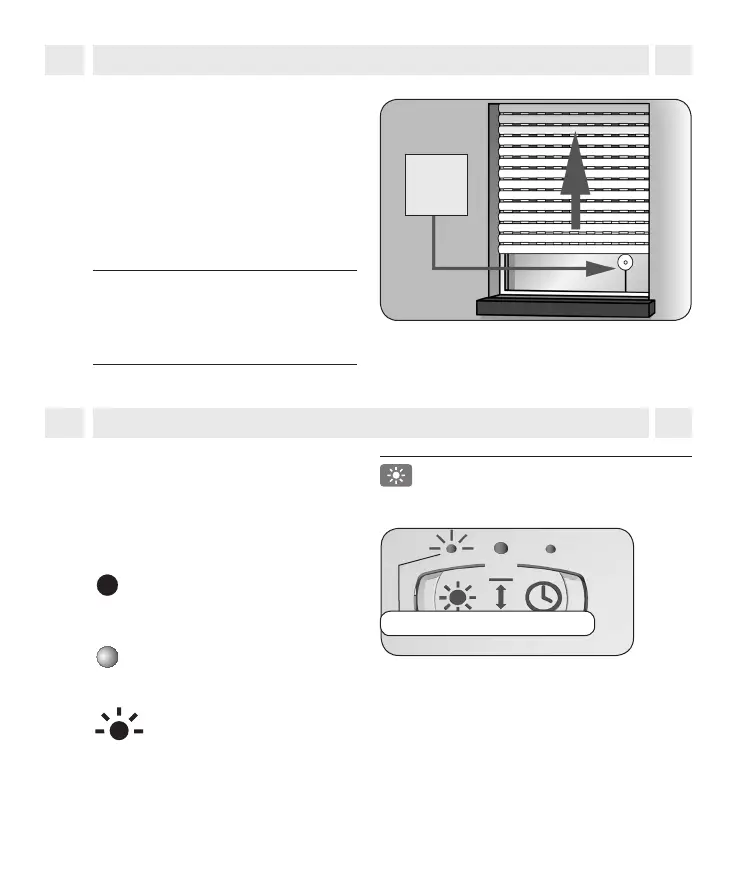
After approx. 20 minutes, the roller
shutter is automatically raised a small
amount to uncover the sensor. If the
sun continues to shine, then the roller
shutter remains in this position. If the
brightness decreases below the set
limit, it returns to the upper end point.
NOTE
The delay times of 10 and 20 minutes
may be exceeded in the event of
changing weather conditions.
14. Automatic solar function
i
14.1 Switch the automatic solar function on/o



 To Next Page