- 32 -
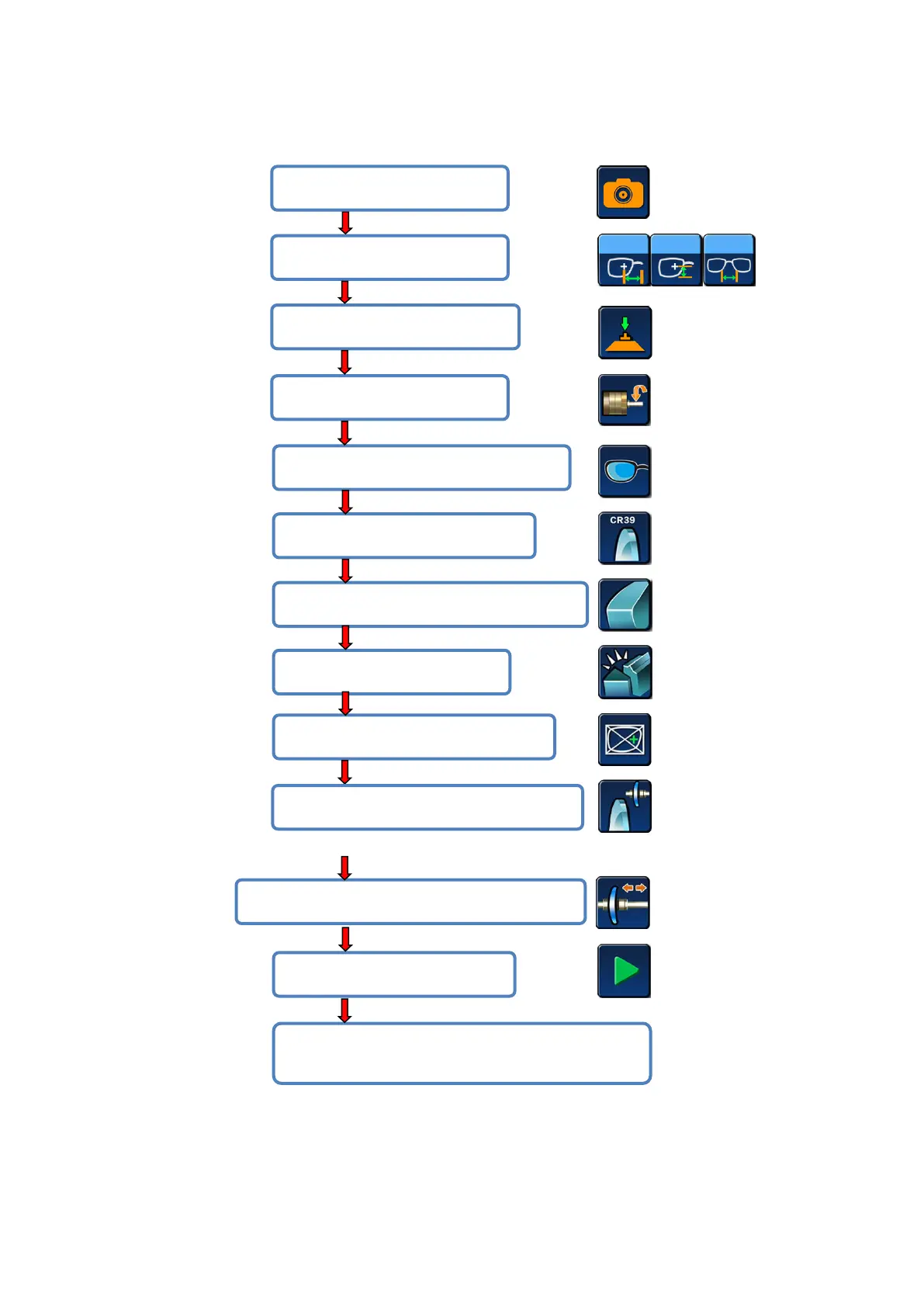
> Half - frame or rimless lens processing
#5 Select lens for left eye or right eye;
#7 Select lens fine grinding pattern(flat);
#9 Select lens processing mode;
#11 After blocking, put the lens in and clamp;
#13 Open the window, remove the shaft and take
the lens after it’s done;
#10 Select clip pressure;
#4 Enter edging setting menu;
#3 Lens center mode selection;
#1 Scan the pattern shape;


 To Next Page