9 Configuration
9 Configuration
After you complete the sensor installation, you can change the sensor
settings as needed, using the one of the following tools:
• Service App S4C-FS, most convenient
• Sensor display (optional)
9.1 Using Service App S4C-FS
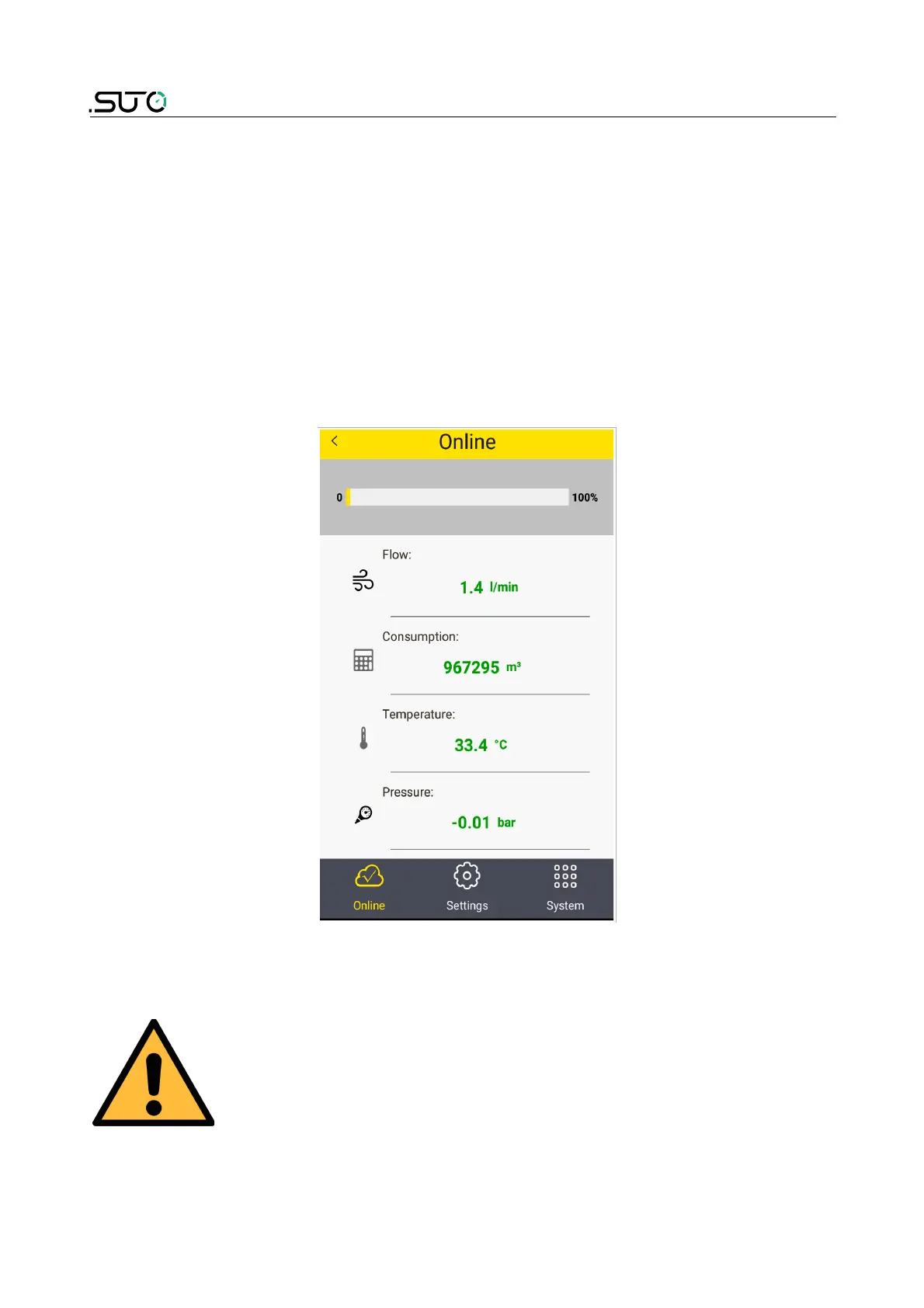
S4C-FS is an Android-based app that enables you to view measurement
readings and change settings for SUTO flow sensors wirelessly.
For more information about description of the sensor settings, see the
S4C-FS Instruction and Operation Manual, which you can download from
our website (Download > Search: S4C-FS).
ATTENTION!
Improper changes on the settings might lead to
wrong measurement results! Contact the
manufacturer if you are not familiar with the
settings.
32 S430



 To Next Page