5 GETTING STARTED
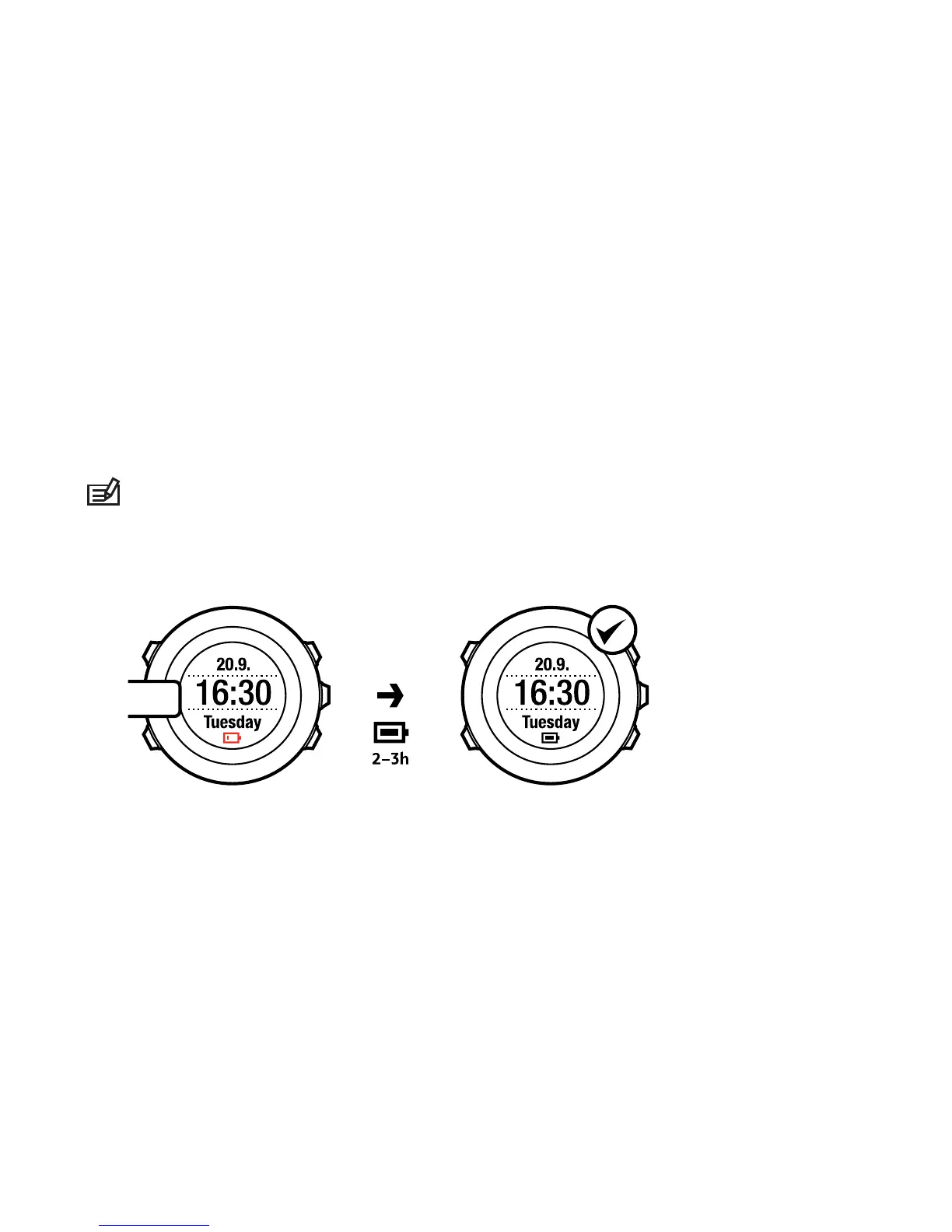
Start by charging the battery. Your Suunto Ambit wakes up automatically when
you attach it to your computer using the supplied USB cable. The device can
also be woken up by attaching it to a mains socket using the optional Suunto
wall charger.
Fully charging an empty battery takes about 2-3 hours. First time charging may
take longer. During charging with the USB cable the buttons are locked.
NOTE: Do not remove the cable until the battery has been fully charged to
ensure longer battery lifetime. Battery full notification is displayed when the
charging is complete.
12



 To Next Page