10 USING 3D COMPASS
Suunto Ambit has a 3D compass that allows you to orient yourself in relation
to magnetic north. The tilt-compensated compass gives you accurate readings
even if the compass is not horizontally level.
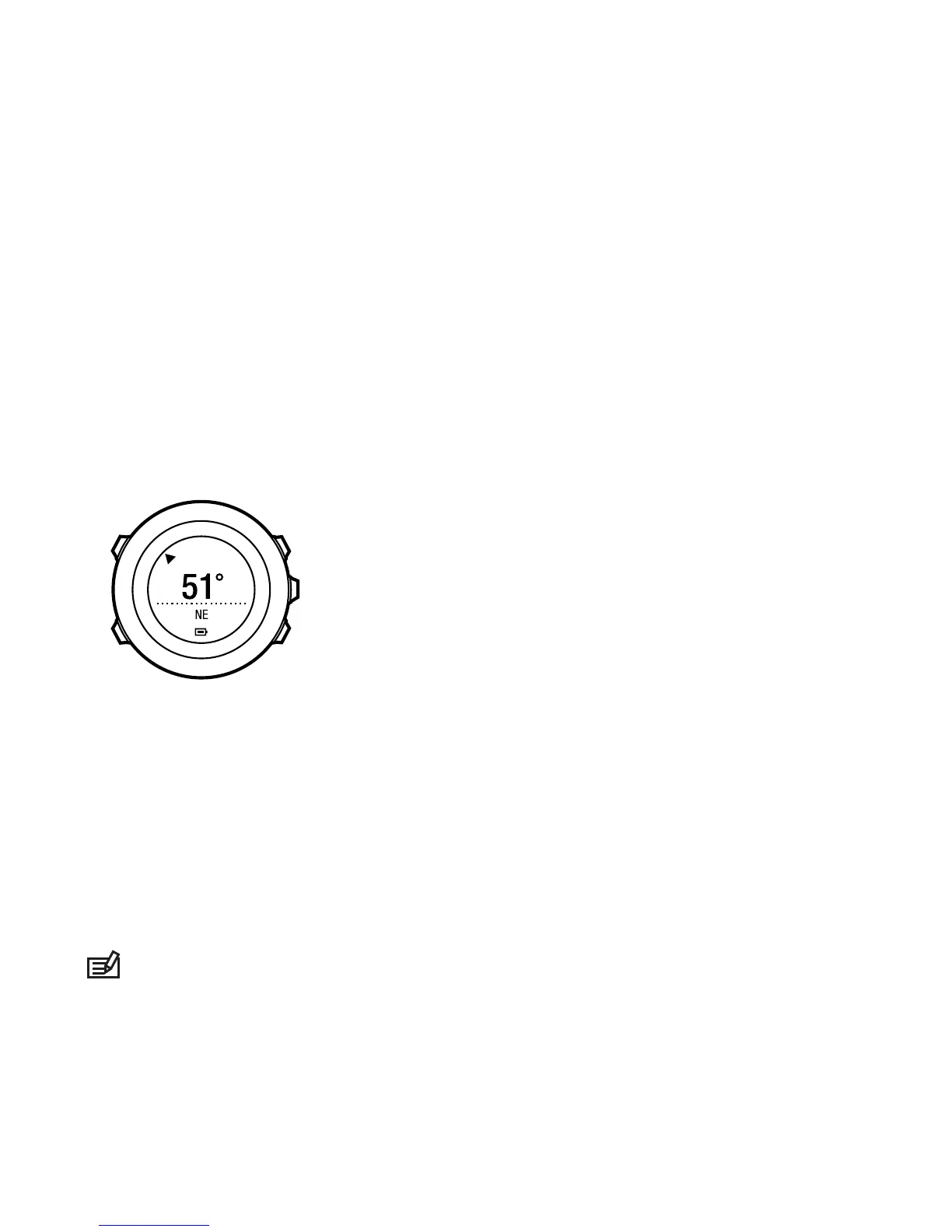
COMPASS mode includes the following information:
●
middle row: compass heading in degrees
●
bottom row: toggle between the current heading in cardinal (N, S, W, E) and
half-cardinal (NE, NW, SE, SW) points, time and empty view with [View]
The compass will switch itself to power saving mode after one minute.
Reactivate it with [Start Stop].
10.1 Calibrating compass
COMPASS mode asks you to calibrate the compass before you start using it. If
you have already calibrated the compass and want to re-calibrate it, you can
access the calibration option in the settings menu.
NOTE: Calibrating the 3D compass requires two actions, horizontal rotation
and vertical tilt. Be sure to read all the instructions before starting the calibration.
42



 To Next Page