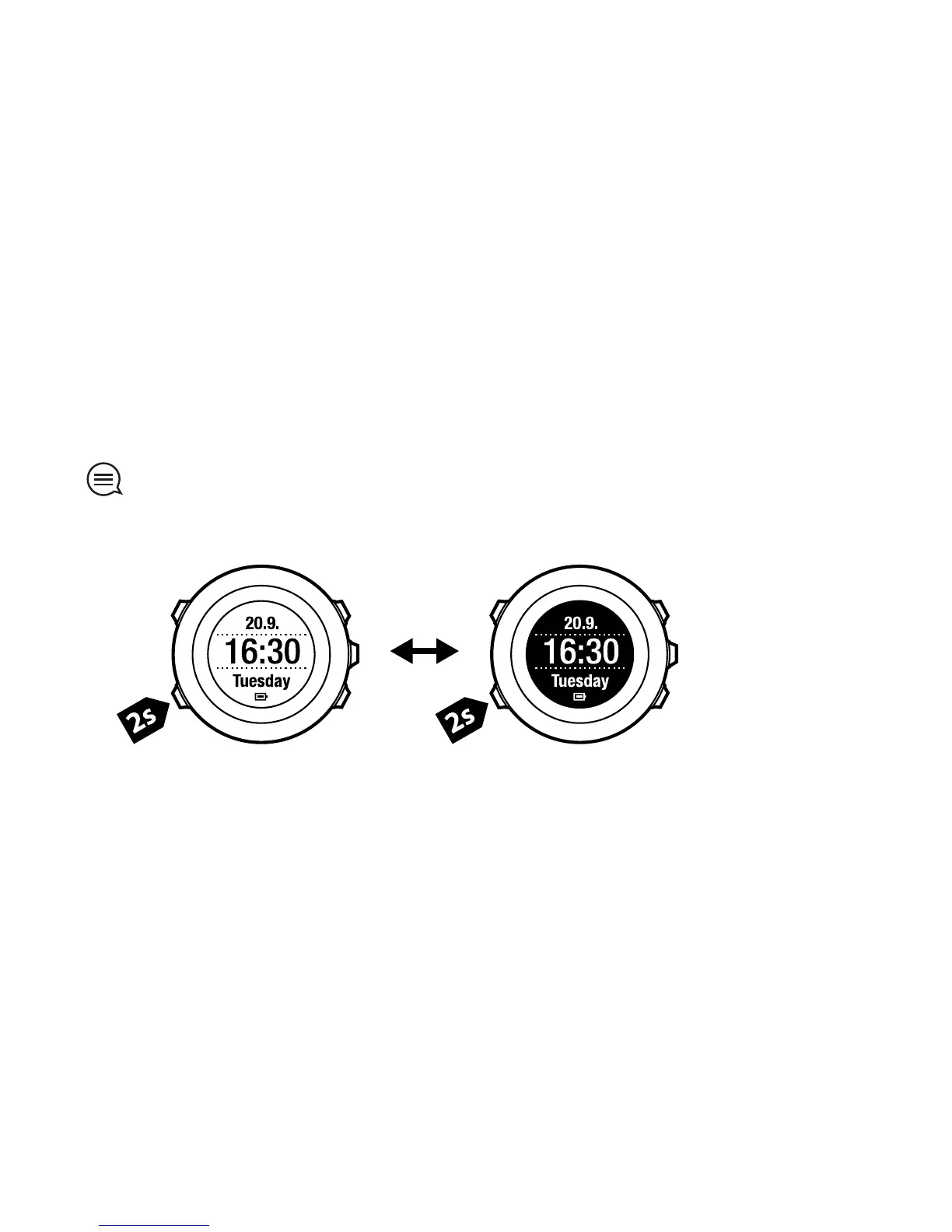
6.4 Inverting display
You can invert the display of your Suunto Ambit from light to dark or vice versa.
To invert the display in the settings:
1. Keep [Next] pressed to enter the settings.
2. Press [Next] to enter the GENERAL settings.
3. Press [Next] to enter Tones/display.
4. Scroll to Invert display with [Start Stop] and accept with [Next].
TIP: You can also invert the display of your Suunto Ambit by keeping [View]
pressed.
16



 To Next Page