11.7 After exercise
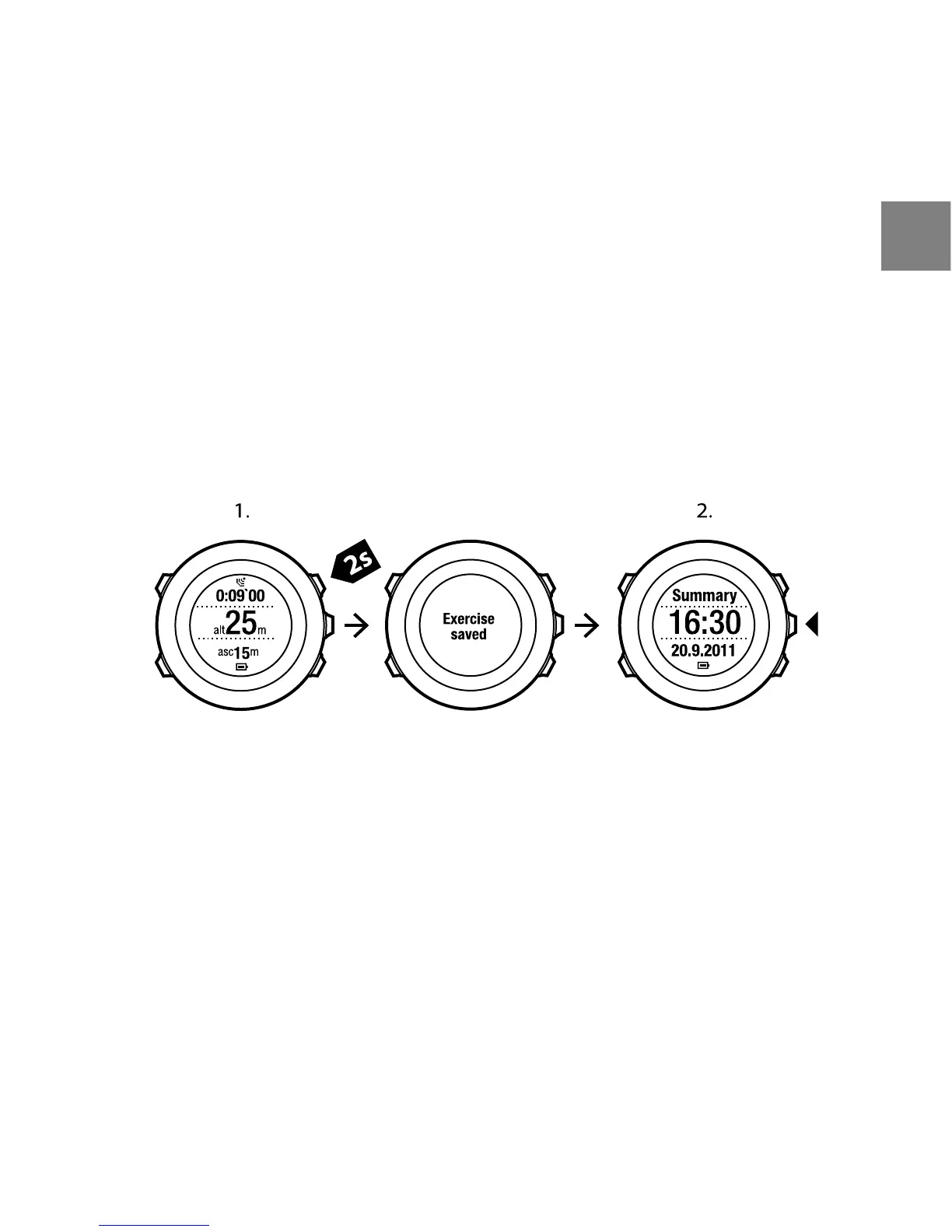
To stop recording and view the summary information:
1. Keep [Start Stop] pressed to stop and save the exercise.
Alternatively, you can press [Start Stop] to pause the recording. After
pausing the log, confirm stopping by pressing [Back Lap], or continue
recording by pressing [Light Lock]. After stopping the exercise, save the
log by pressing [Start Stop]. If you do not want to save the log, press [Light
Lock].
2. Press [Next] to view the exercise summary.
To view the summary of your previous exercise later:
1. Press [Start Stop] to enter the exercise menu.
2. Scroll to PREVIOUS EXERCISE with [Light Lock] and enter with [Next].
3. Scroll the summary views with [Next].
57
en



 To Next Page