11 USING EXERCISE MODES
Use the exercise modes to record exercise logs and view various information
during your exercise.
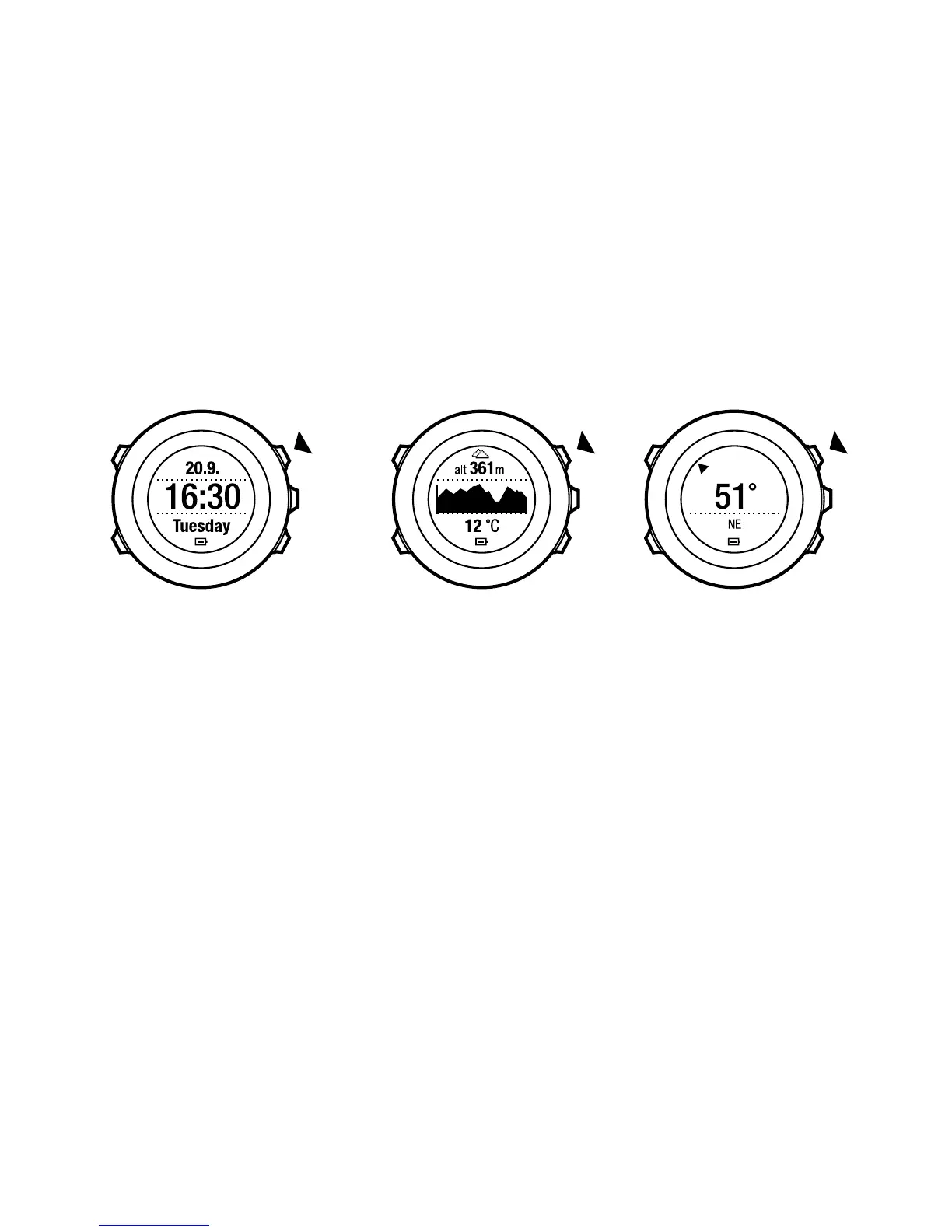
You can access the exercise modes by pressing [Start Stop] in the TIME or ALTI
& BARO mode, or in the COMPASS mode after the compass has been calibrated.
11.1 Exercise modes
You can select a suitable exercise mode from the predefined custom modes.
Depending on the sport, different information is shown on the display during
exercise. For example, the custom exercise mode specifies whether
FusedSpeed
TM
or plain GPS speed is used. (For more information, see Chapter
12 FusedSpeed on page 60.) The selected exercise mode also affects exercise
settings, such as HR limits, autolap distance, ALTI & BARO mode and recording
rate.
In Movescount you can create more custom exercise modes, edit the predefined
custom modes and download them to your device.
46



 To Next Page