7 USING TIME MODE
TIME mode includes time measurement functions.
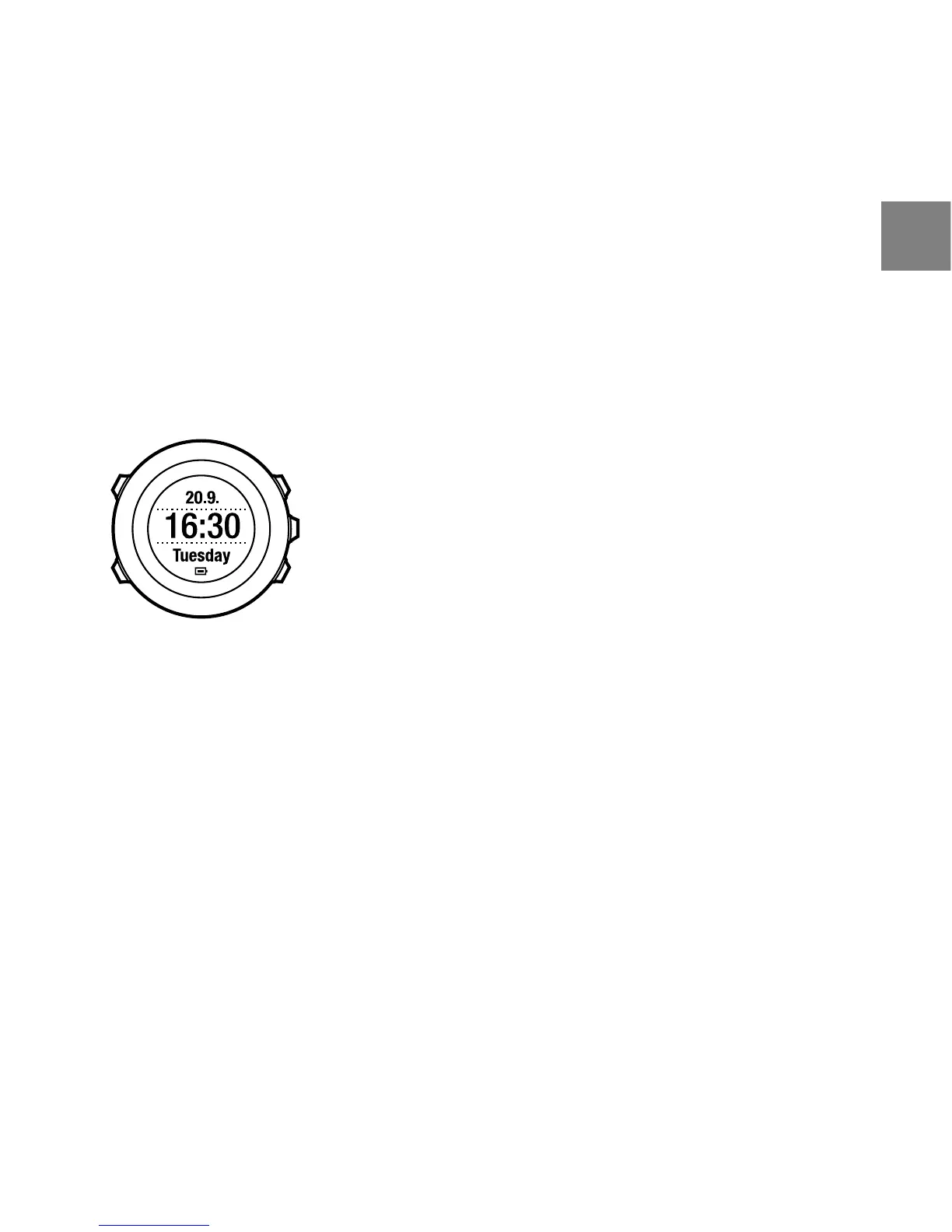
TIME mode shows you the following information:
●
top row: date
●
middle row: time
●
bottom row: toggle between seconds, dual time and weekday with [View].
7.1 Changing time settings
To access the time settings:
1. Keep [Next] pressed to enter the settings.
2. In the settings, press [Next] to enter GENERAL.
3. Scroll to Time/date using [Start Stop] and enter with [Next].
17
en



 To Next Page