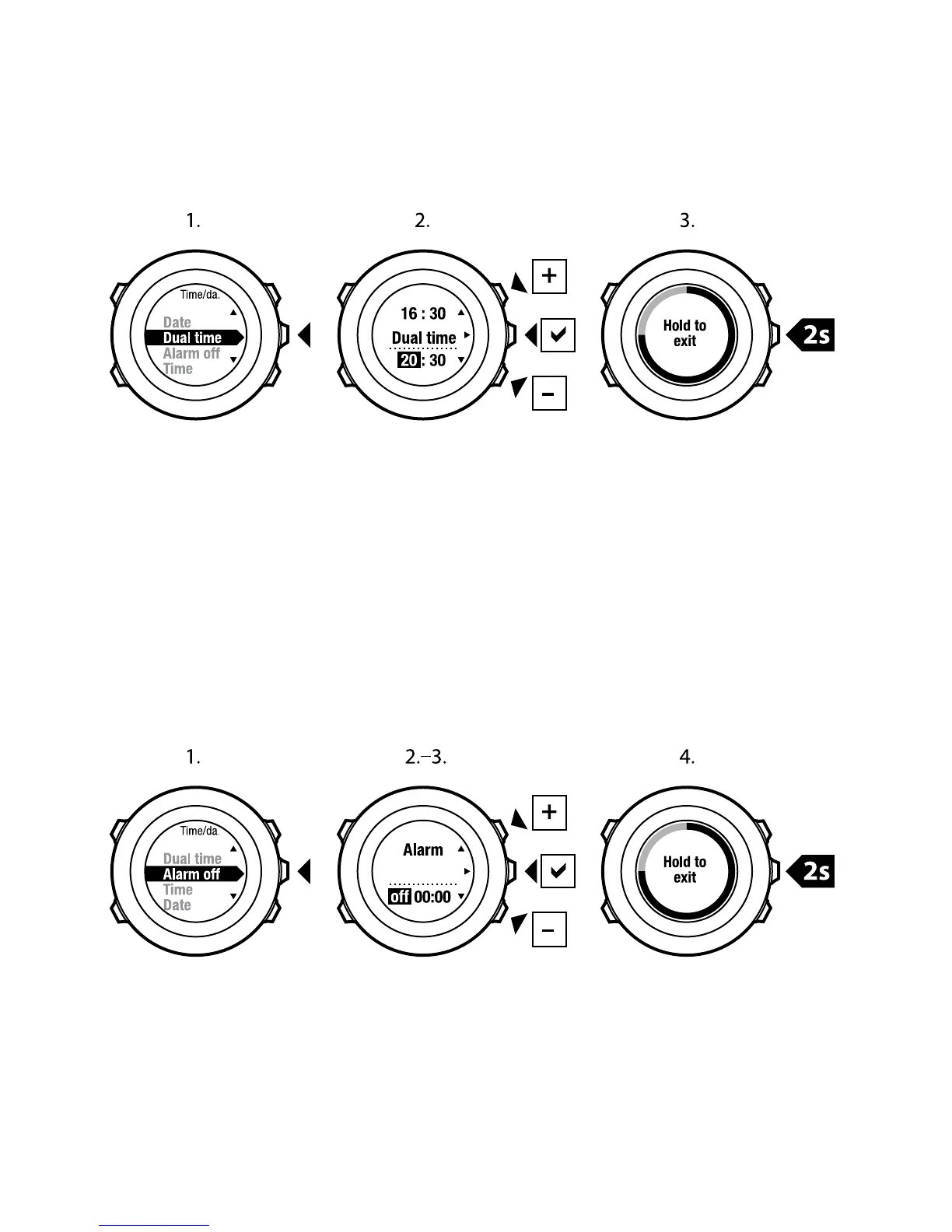
Setting alarm
You can use your Suunto Ambit as an alarm clock.
To access the alarm clock and set the alarm:
1. In the settings, go to GENERAL, then to Time/date and Alarm.
2. Set the alarm on or off with [Start Stop] or [Light Lock]. Accept with [Next].
3. Set the hours and minutes with [Start Stop] and [Light Lock]. Accept with
[Next].
4. Go back to the settings with [Back Lap], or keep [Next] pressed to exit the
settings.
When the alarm is switched on, the alarm symbol is shown on most of the
displays.
20



 To Next Page