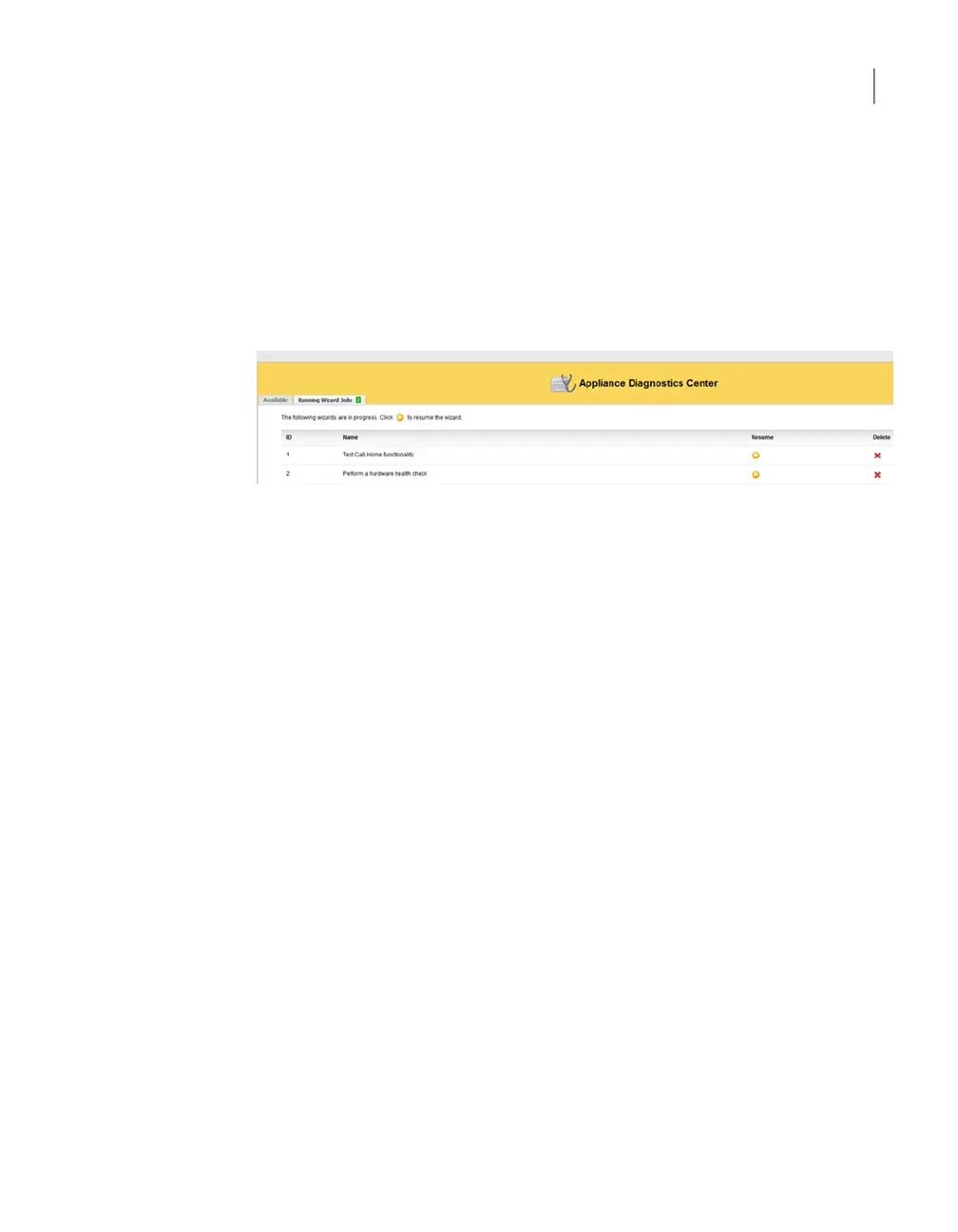
The Running Wizard Jobs tab lists the wizards that were started but are not
complete yet. If you close a wizard without completing it (using the cross icon) or
leave it unfinished, it is listed under the Running Wizard Jobs tab. You can resume
or delete these active wizards by clicking the respective icons from the Resume or
Delete columns.
Figure 3-2 shows a sample view of the Running Wizard Jobs tab.
Figure 3-2
Running Wizard Jobs tab
You can do the following to run the wizards from the Available tab:
Use this wizard to troubleshoot Call Home failures. The wizard
checks if Call Home is enabled, the Call Home proxy server (or
proxy server) is enabled, and if Appliance, proxy server, and the
Symantec Call Home server can communicate.
Click Test Call Home
functionality
Use this wizard to troubleshoot disk storage issues, tuning, and
availability. The wizard checks the storage partitions like
AdvancedDisk, etc., and does the following:
■ Checks if the storage paths are mounted. If they are not mounted,
it provides an option for you to mount them.
■ Checks if the disk pool and disk volumes are up and running. If
they are not running, the wizard provides an option for you to
reset them.
■ Checks if PureDisk services are up and running. If they are not
running, the wizard helps to start these services.
Click Check Disk
Configuration
32About Software Troubleshooting Tools
Troubleshooting and tuning Appliance from the Appliance Diagnostics Center



 To Next Page