Synology DiskStation User's Guide
Based on DSM 3.0
68 Chapter 7: Set Up File Sharing
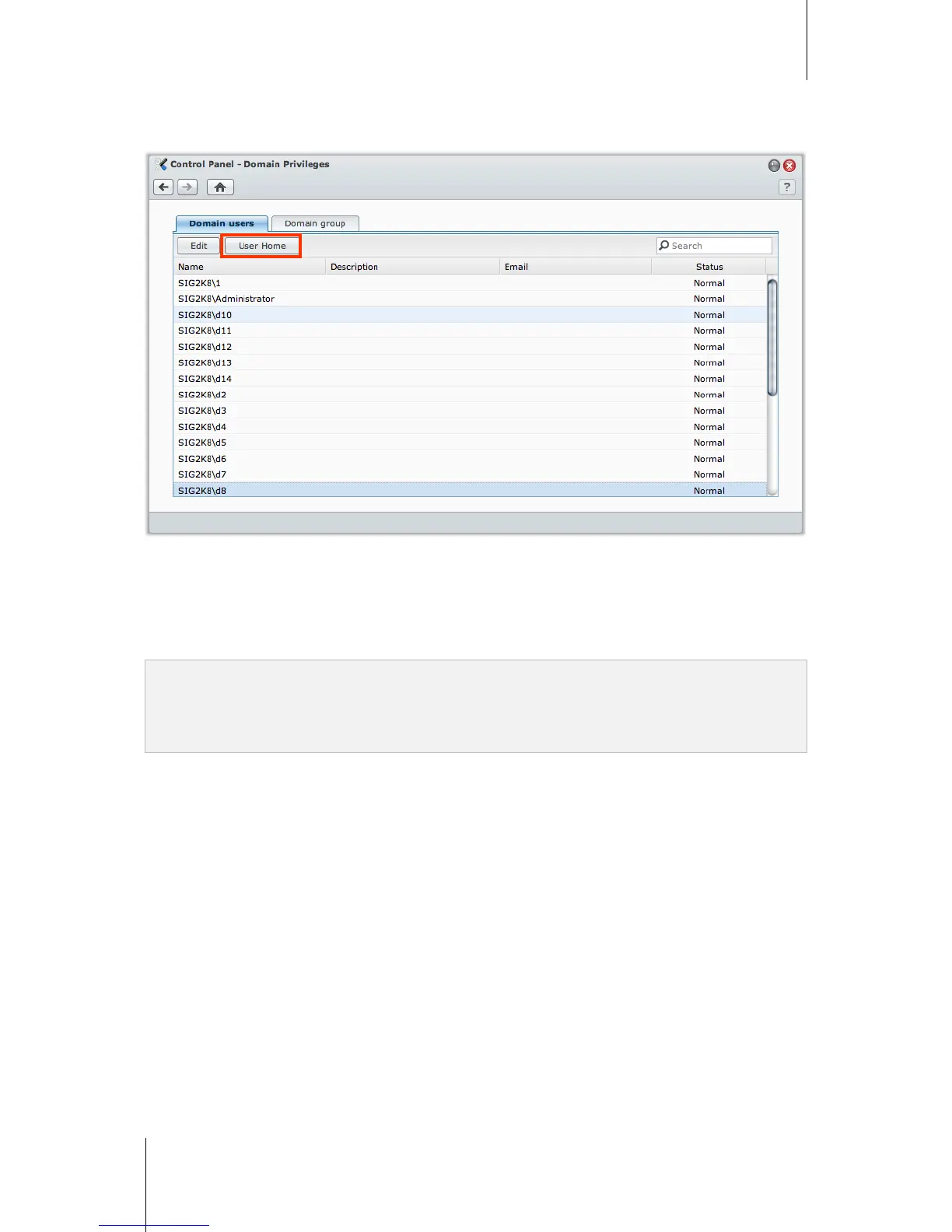
Create Domain User’s Home Folder
Go to Main Menu > Control Panel > Domain Privileges to create domain user’s home folder.
Like local users, all domain users can access their own home folder via CIFS, AFP, FTP, WebDAV, File Browser
or File Station.
admin can access all personal folders located in the homes default shared folder.
All domain users' home folders are located in one of the sub-folders under a folder named @DH-domain name.
The name of the user's home folder is the user account plus an unique number.
Note:
To delete the homes shared folder, user home service must be disabled first.
Enabling domain user home service will also enable the local user home service if it's not enabled yet.
The domain user home service would be disabled if the local user home service is disabled.














 To Next Page