V/D
S
ERIES
S
ERVICE SOFTWARE
6-8 Revision: 2.1
6.2 Systec service software
6.2.1 Starting the program
• Call up the Systec service software from the Start menu.
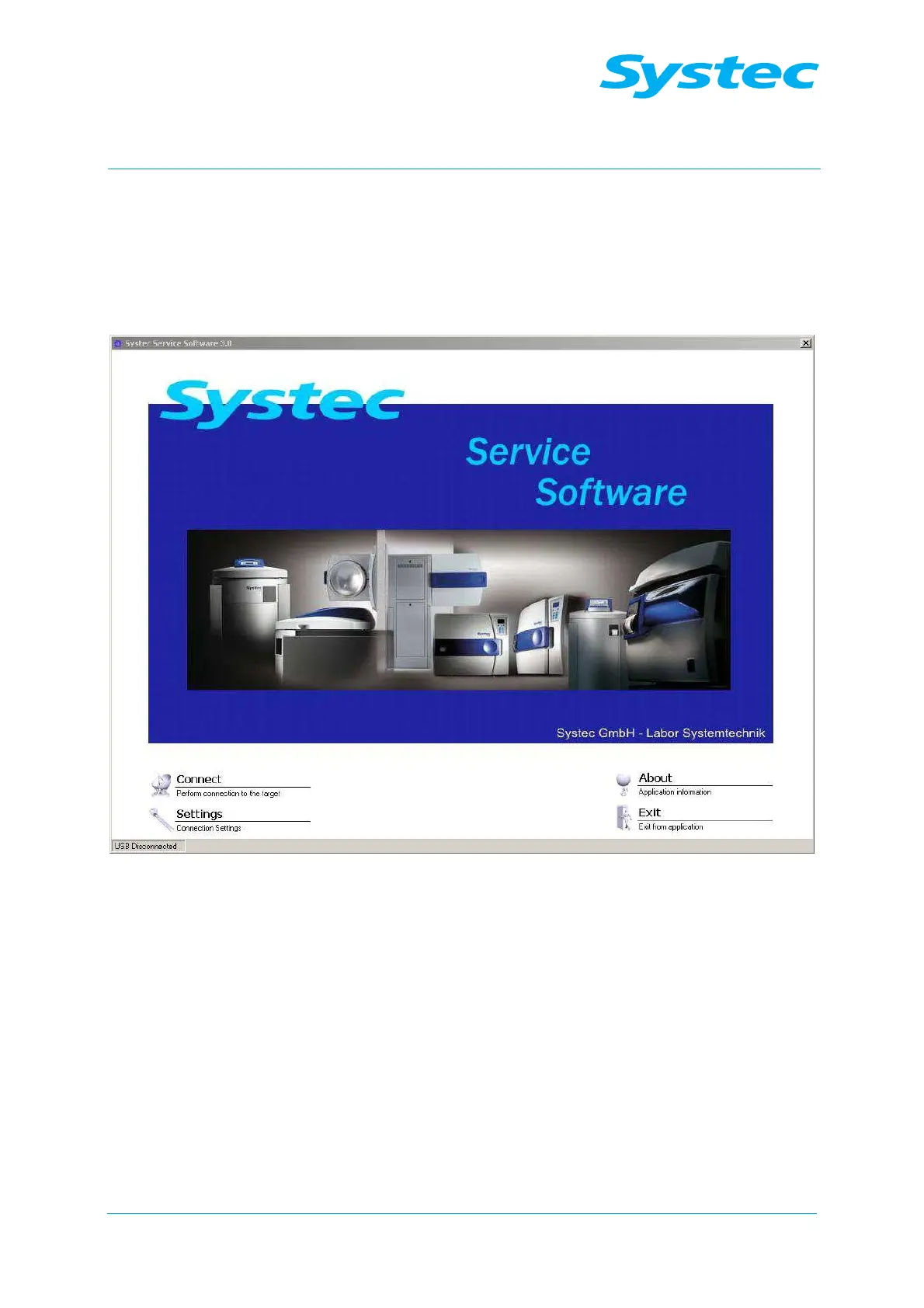
The start window of the Systec service software opens.
Fig. 7: Systec service software start window
You can click on the following options:
− “Connect”, to establish a connection to the device
− “Settings”, to set the communication parameters to the device
− “About”, to view version information
− “Exit”, to quit the program



 To Next Page