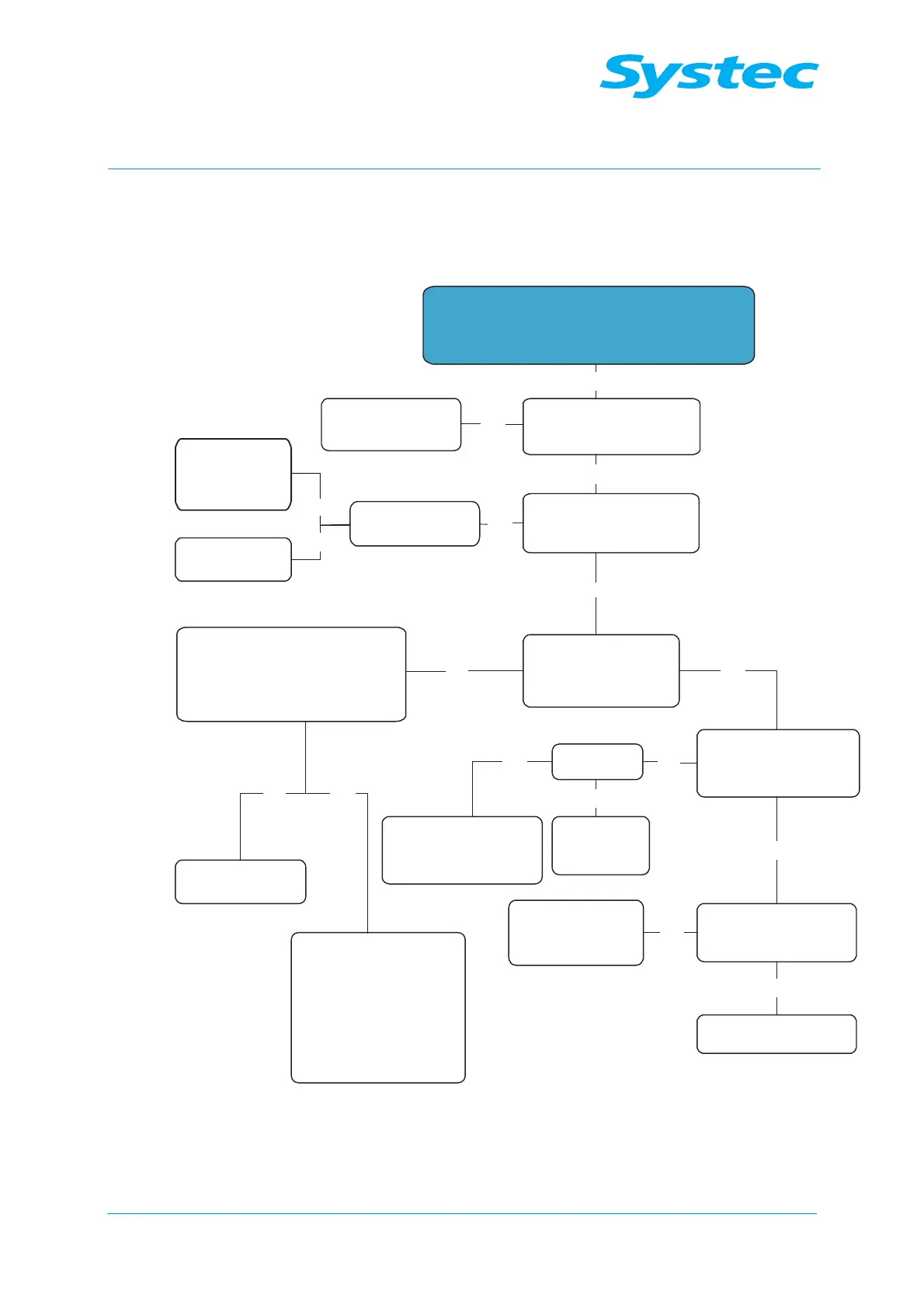
Switch on the device using the main switch:
- “Loading wait...” appears
- Signal tone present
Is mains voltage present at
fuses F1 – F3, as shown
on the circuit diagram?
Is mains voltage present
on the ACT1 board at
JP2 and JP3?
Are the 5 and 12 volt
output voltages present
on the power supply
unit RD35A?
5 volts present at JP11
and JP13 on the digital
circuit board DS1002?
5 volts present at JP4
of the control unit panel
Pan1002?
Replace the
control unit panel
Check the customer’s
mains power supply
Present at JP3?
Replace
“Main Switch”
or
“Main Filter”
Disconnect the output plugs from
the power supply unit RD35A and
measure on power supply unit
directly with no consumers
Voltages now present?
Replace the power
supply unit RD35A
Disconnect the boards
(DS1002 = JP11,
AS1002 = JP8/JP12,
panel board = JP4) of the
LM1085 and the fan, then
identify the faulty
consumer in succession
(use the circuit diagram)
No
No
No
No
Yes
No
Yes
Yes
Yes
No
Present
at JP11?
Check the cable
connecting the power
supply to the DS1002
and replace, if necessary
Replace the
digital circuit
board DS1002
Yes
No
Yes
Check the cable
connecting DS1002
to Pan1002 and
replace, if necessary
No
Yes
No
Replace the
ACT1 board
Yes



 To Next Page