V/D
S
ERIES
S
ERVICE SOFTWARE
6-22 Revision: 2.1
Hardware
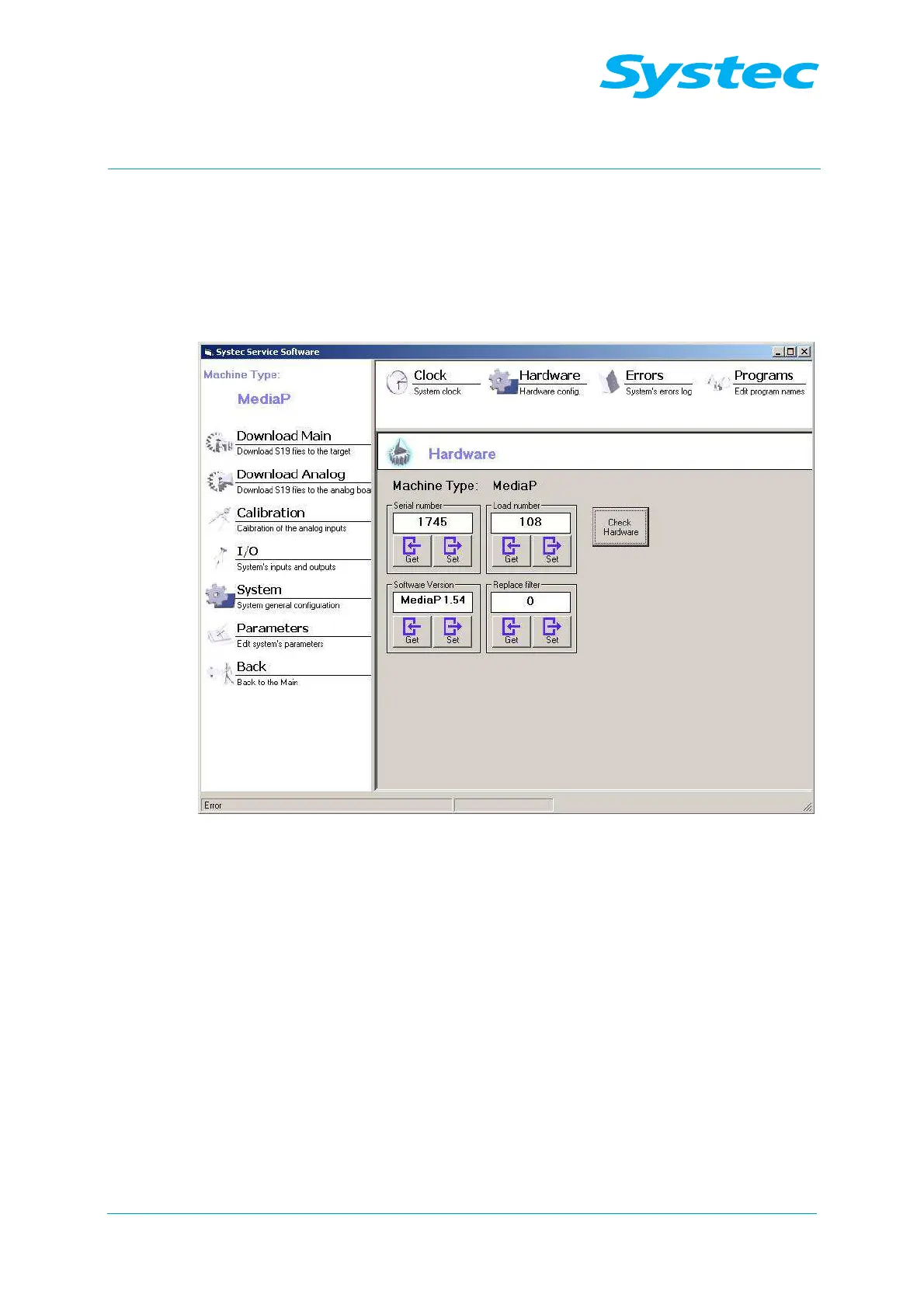
Click “Hardware” to check and modify the serial number, the firmware
version number, the batch number and the filter counter value, as well as
to test the communication hardware.
A dialogue opens with the following options:
Fig. 17: Systec service software: Hardware
The following options are available:
Serial number
The serial number of the device is displayed.
You can change the value manually.
Get
button
The value stored in the device overwrites the displayed
serial number.
Set
button
The displayed value overwrites the serial number stored
in the device.
Software Version
The firmware version of the device is displayed.
You can change the value manually.
If you have updated the software version (see
“Download Main”), then you may have to manually
change this value.
Get
button
The value stored in the device overwrites the displayed
software version number.



 To Next Page