46
Operator´s manual round bale wrapper 7640
+
+
+
+
10.4.2 Special keys and key/switch combinations
The following sections describe special key or key/switch combinations. Key or key/switch
combinations mentioned below have to be activated at the same time.
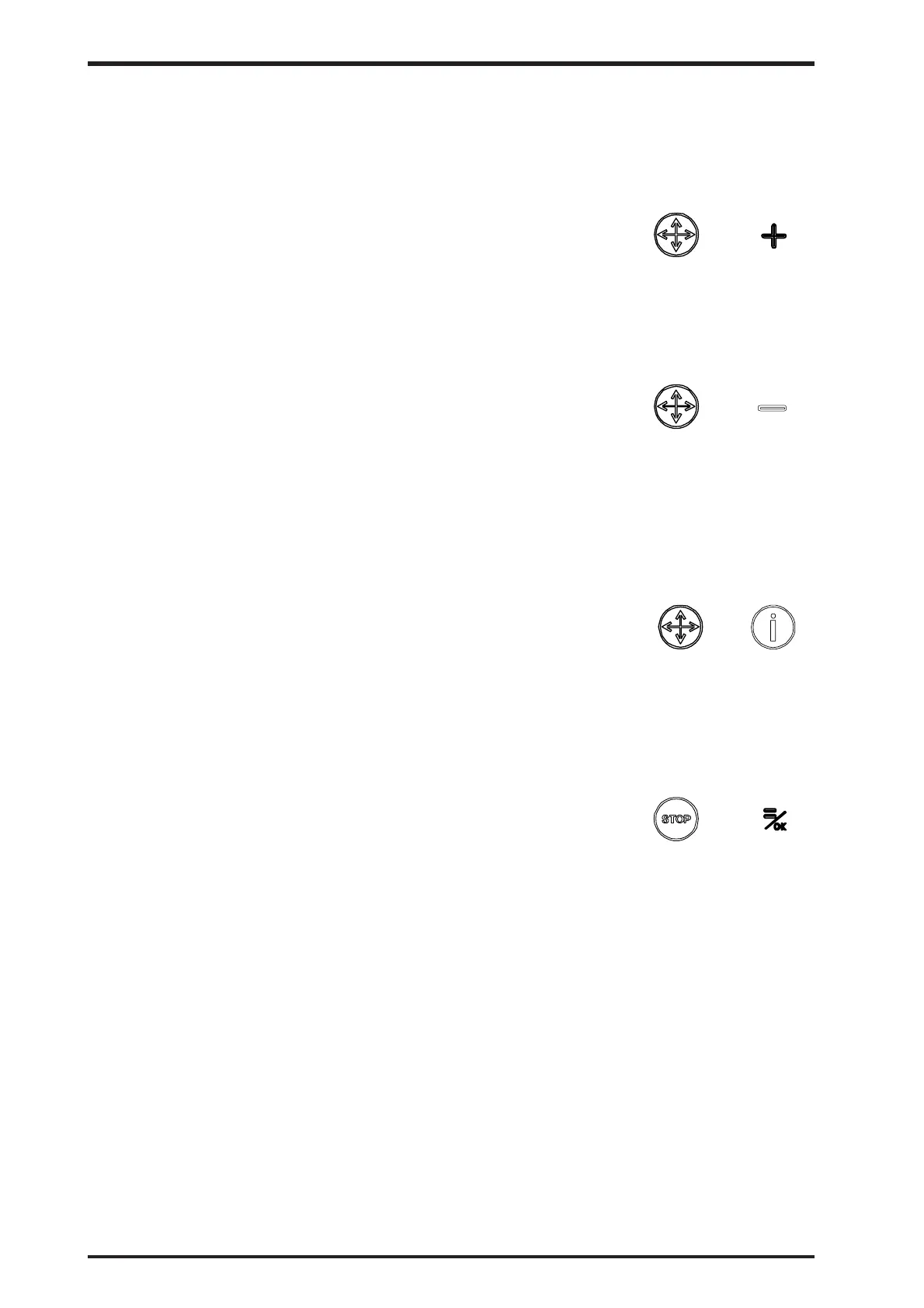
10.4.2.1 Joystick function & Joystick +/up
Idle mode:
Activates the dealer functions. Give access to programmable
parameters, which are at the service level.
10.4.2.2 Joystick function & Joystick –/down
Idle mode:
Activates the service functions. Give access to programmable
parameters, which are at the service level.
Editing on service level is only possible by authorized personnel
with approved PIN-code.
10.4.2.3 Joystick function & Info
Power-up:
When activating the keys more than 5 seconds when powering
up, all paramteres are reset to factory settings or default values.
10.4.2.4 Stop key & =/OK switch
Power-up:
Upload all the graphical images from the machine box to the
control box. A standard screen with a bar graph will indicate this..
Operating model C



 To Next Page