50
Operator´s manual round bale wrapper 7640
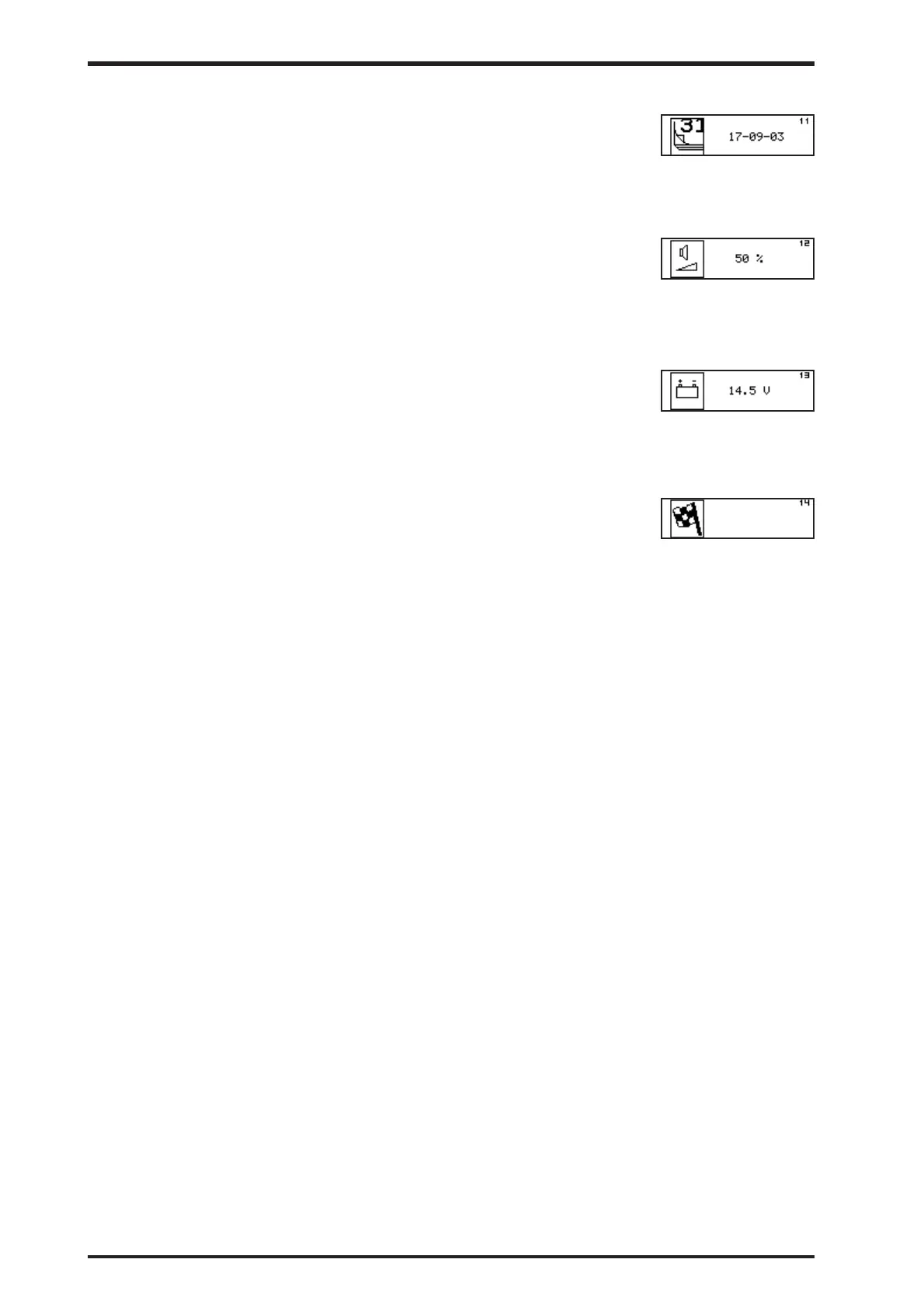
10.7.11 Date (11)
The current date can be read and adjusted in this user screen.
10.7.12 Beeper volume (12)
Allows editing of the beeper volume. During editing the beeper
volume changes according to the current value in the screen.
10.7.13 Battery voltage (13)
Allows editing of the beeper volume. During editing the beeper
volume changes according to the current value in the screen..
10.7.14 Exit User functions (14)
This screen indicates the final User function screen. Move joystick
once more to the right to return to the Idle mode screen.
Pressing the STOP key in any step of this mode will finish the
editing/monitoring and return to Idle mode screen.
Operating model C



 To Next Page