54
Operator´s manual round bale wrapper 7640
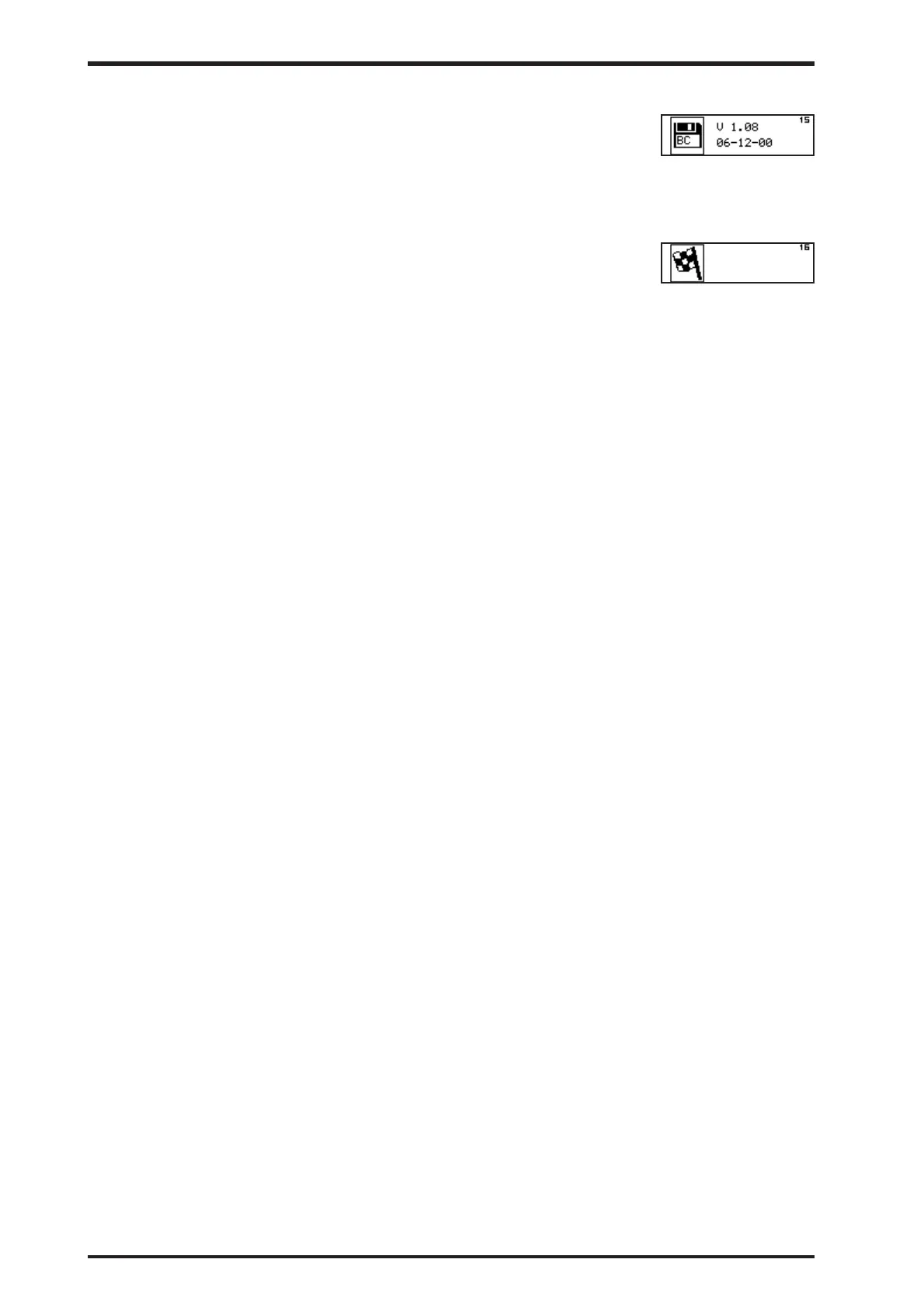
10.8.15 Control panel version (15)
This screen shows the version of the control panel software and
the creation date of that version. Info only
10.8.16 Exit Dealer functions (16)
This screen indicates the final Dealer function screen. Move
joystick once more to the right to return to the Idle mode screen.
Pressing the STOP key in any step of this mode will finish the
editing/monitoring and return to Idle mode screen.



 To Next Page